About this template...
Collecting files through email creates version control problems, inbox clutter, and no reliable record of what was received and when. A WordPress File Upload Form gives submitters a structured way to send files directly to your site, with contact details and context attached to every submission.
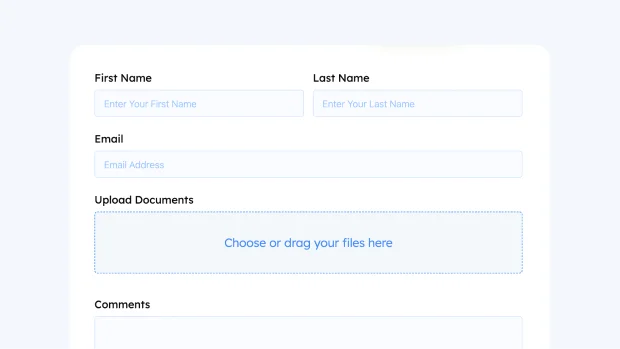
This template keeps the process simple by design. Name and email fields identify who is submitting, so every file arrives with a clear point of contact rather than an anonymous upload. The File Upload field accepts documents, images, or other file types depending on what your workflow requires, and all uploads are stored directly in your Fluent Forms submissions. The Text Area field gives submitters space to describe what they are sending, provide instructions, or add any context your team needs to process the file correctly.
For teams that need file submissions stored beyond the WordPress server, Fluent Forms integrates with Cloud Storage Manager, which connects your form to popular cloud storage services including Google Drive, Dropbox, Amazon S3 and Cloudflare R2. Every file submitted through the form is automatically routed to your preferred storage location, keeping your server clean and your files organized in a system your team already uses.
This structure works particularly well for situations where file submissions need to be reviewed, assigned, or followed up on. Because each submission bundles the file, the sender’s identity, and a written note together, your team does not need to chase context after the fact.
This WordPress File Upload Form suits creative agencies collecting client assets, HR teams receiving resumes and documents, educators accepting student submissions, and any WordPress site that needs a clean and traceable file collection process.