

20 Essential WordPress Plugins for Your Website in 2026
Every WordPress site needs a few plugins to do the basics well: collect leads, show up in search, deliver email, and stay secure. The hard part is choosing the right one for each task without installing overlapping plugins.
I’ve handpicked 20 essential WordPress plugins here, grouped by their purposes. For each one, you’ll see what it does, who it suits, and what you get for free.
TL;DR
- Start with the foundations: forms, design, SEO, email delivery, and a safe place for custom code.
- ayer your security: a firewall (Wordfence), login protection (FluentAuth), spam filtering (Akismet), and a change log (Activity Log Pro).
- Add marketing, selling, community, and support plugins only when your site needs them.
- Every plugin here has a free way to start. FluentSMTP and FluentSnippets have no paid tier at all.
- Give each task to one plugin, so nothing overlaps or slows your site down.
- Use Novamira, the AI pick, on staging or development sites only.
How I Picked These Plugins
Every plugin on this list had to clear four bars:
- It’s actively maintained, with updates released in 2026.
- It offers a free way to start.
- It solves a particular problem.
- It works well with the rest of the list.
Essential WordPress Plugins at a Glance
| # | Plugin | Role | Free version | Active installs |
| 1 | Fluent Forms | Forms, quizzes, surveys, payments | Yes | 800,000+ |
| 2 | Elementor | Page design | Yes | 10+ million |
| 3 | SEOPress | On-page and technical SEO | Yes | 300,000+ |
| 4 | FluentSMTP | Email delivery | Yes (no paid tier) | 700,000+ |
| 5 | FluentSnippets | Custom code snippets | Yes (no paid tier) | 50,000+ |
| 6 | Wordfence | Firewall and malware scanning | Yes | 5+ million |
| 7 | FluentAuth | Login security | Yes | 10,000+ |
| 8 | Akismet | Comment and form spam | Yes (personal sites) | 5+ million |
| 9 | Activity Log Pro | Audit log of site changes | Yes | 400+ |
| 10 | FluentCRM | Email marketing and automation | Yes | 80,000+ |
| 11 | WP Social Ninja | Social feeds, reviews, chat widgets | Yes | 30,000+ |
| 12 | FluentCart | Online store | Yes | 9,000+ |
| 13 | FluentBooking | Appointment scheduling | Yes | 20,000+ |
| 14 | FluentAffiliate | Affiliate programs | Yes | 2,000+ |
| 15 | FluentPlayer | Video player with lead capture | Yes | 2,000+ |
| 16 | FluentCommunity | Community and courses | Yes | 8,000+ |
| 17 | Ninja Tables | Data tables | Yes | 70,000+ |
| 18 | Fluent Support | Help desk | Yes | 10,000+ |
| 19 | FluentBoards | Projects and tasks | Yes | 6,000+ |
| 20 | Novamira | Connects AI agents to WordPress | Yes | Not listed (download from its site) |
Plugins Every WordPress Site Needs
These five cover the basics: a way to hear from visitors, page design, search visibility, reliable email, and a safe place for custom code.
1. Fluent Forms: forms, quizzes, and payments
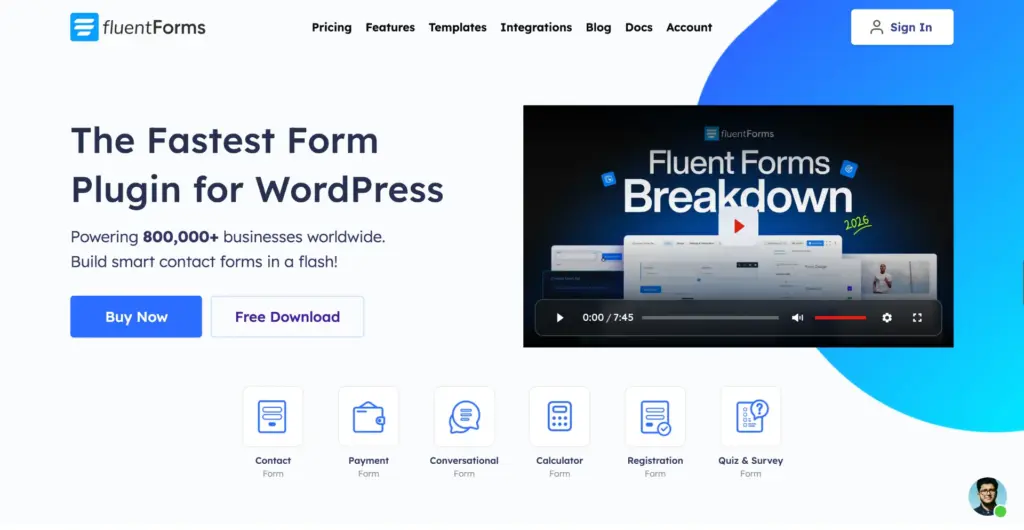
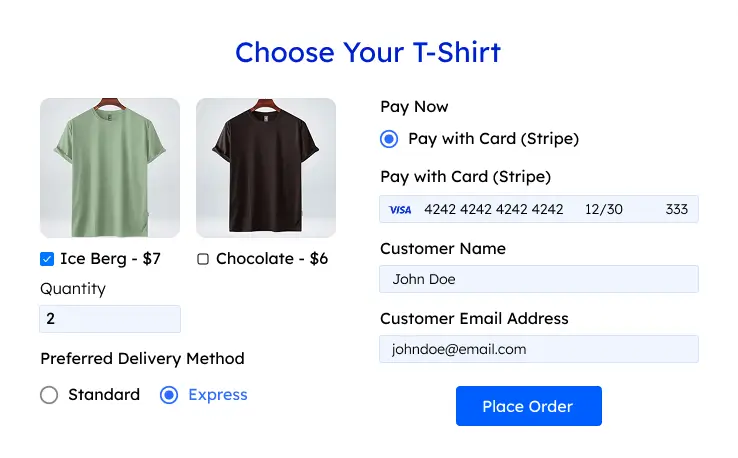
Fluent Forms lets you build contact forms, surveys, quizzes, and payment forms with a drag-and-drop editor. You can start from a template or a blank form, and you never have to touch code.
It stands at number one because most of the other plugins on this list connect to it. A single form submission can add a CRM contact, open a support ticket, book an appointment, or create a task, and those connections are free.
Key features:
- 65+ input fields (35+ available in the free plugin)
- Conversational forms that ask one question at a time
- Stripe payments in the free plugin, with a 1.9% fee. Pro removes the fee and adds 7 more gateways.
- Conditional logic to show or hide fields based on earlier answers
- Spam protection with reCAPTCHA, hCaptcha, Turnstile, and honeypot
- A built-in AI form builder that drafts a form from a short description
Best for: any site that needs to collect information, leads, or payments.
Plan: a free plugin on WordPress.org, plus one Pro add-on for advanced fields, calculations, more payment gateways, and multi-step forms.
2. Elementor: drag-and-drop page design
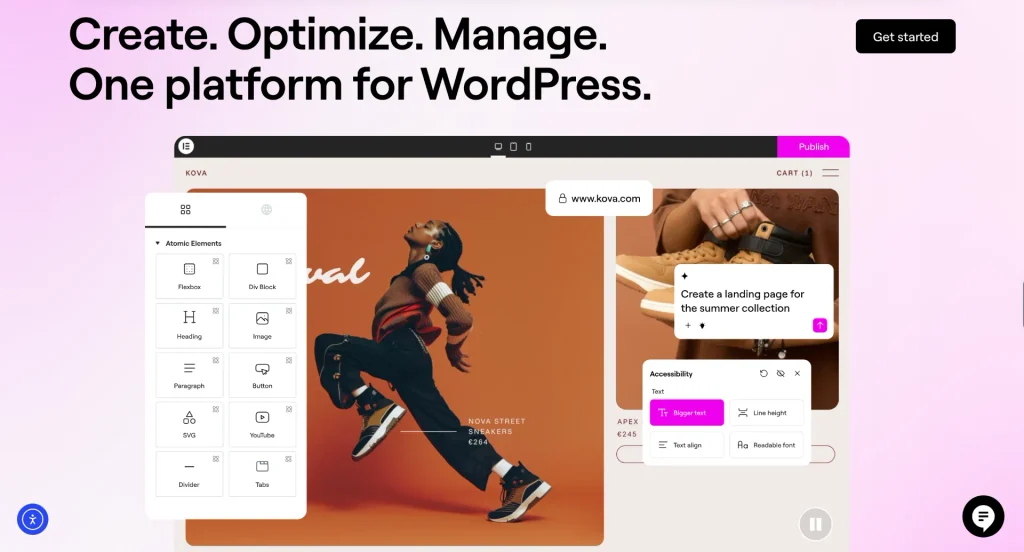
Elementor lets you design pages by dragging widgets onto a live preview, so what you see while editing is what visitors see. Version 4 adds a global design system, so your colors and fonts stay consistent across every page. It also connects to AI tools through its own MCP server.
Key features:
- Drag-and-drop editor with 40+ free widgets
- Global variables and classes for colors, fonts, and styles
- Responsive controls for desktop, tablet, and mobile
- A template library with full website kits, pages, and blocks
- Elementor MCP for connecting AI tools such as Claude, Codex, and Cursor
Best for: site owners who want full design control without code.
Plan: the core plugin is free. Elementor Pro adds the Theme Builder, Popup Builder, forms, and WooCommerce Builder.
Fluent Forms has its own Elementor widget. You search for it in the editor, drop it onto the page, and pick your form from a dropdown.
3. SEOPress: on-page and technical SEO
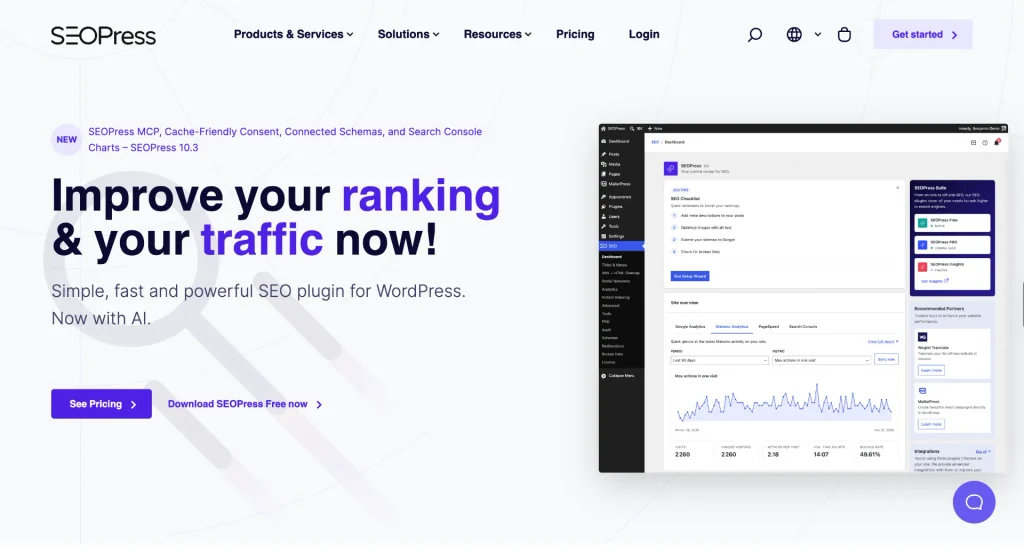
SEOPress handles the on-page and technical SEO that helps search engines (and now AI answer engines) understand your pages. You set titles, descriptions, and social previews from one box under the editor.
That box works inside Gutenberg, Elementor, and most other page builders, so you never have to switch screens to optimize a page.
Key features:
- Content analysis with unlimited target keywords per post
- XML and HTML sitemaps, including an image sitemap
- Open Graph and X card previews for social sharing
- llms.txt and an Agent Readiness toggle for AI search
- One-click import from other SEO plugins
Best for: site owners who want SEO guidance without upgrade prompts in their dashboard.
Plan: the free plugin covers the essentials. SEOPress PRO adds a redirect manager, 404 monitoring, a broken link checker, a schema editor, local SEO, and WooCommerce SEO.
4. FluentSMTP: make sure your emails arrive
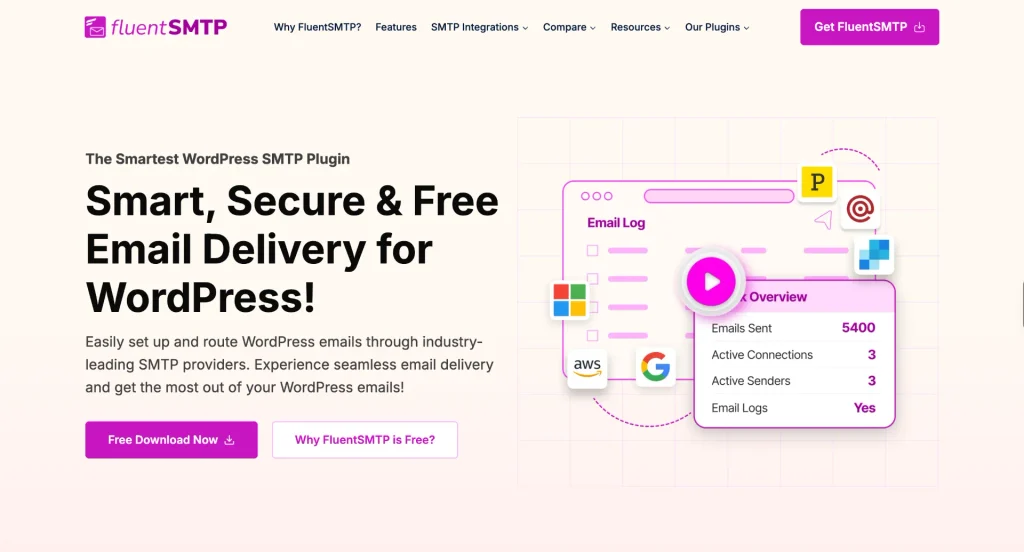
FluentSMTP sends your site’s emails through an email service, so form notifications, password resets, and order receipts land in the inbox instead of spam.
By default, WordPress sends email through your web server, and those messages often end up in spam or never arrive. FluentSMTP fixes that by routing them through an email service, so form notifications, password resets, and order receipts land in the inbox.
Key features:
- Built-in connections for Amazon SES, Gmail, Google Workspace, Outlook, SendGrid, Mailgun, Brevo, and Postmark, plus a standard SMTP connection for other providers, such as your web host’s mail server.
- Email logs with full headers and body, plus one-click resend
- A fallback connection that takes over if the main one fails
- Routing across connections based on the From address
- Failure alerts through Slack, Telegram, Discord, and Pushover
Best for: every WordPress site that sends email.
Plan: completely free. There is no Pro version.
5. FluentSnippets: add custom code safely
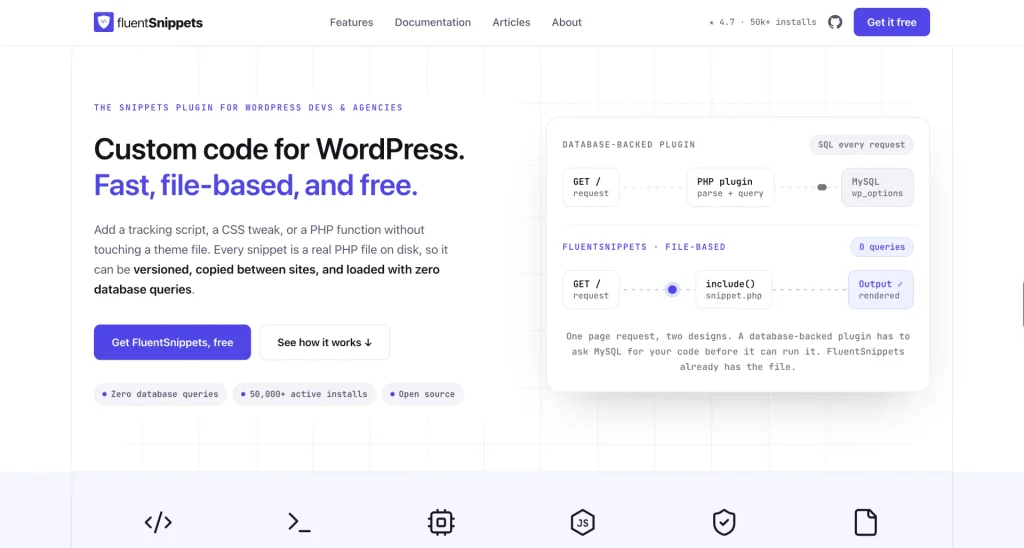
FluentSnippets lets you add custom PHP, CSS, JavaScript, and HTML without editing your theme’s functions.php file. That’s handy every time a tutorial asks you to paste in code or make a small tweak.
Each snippet is saved as a file instead of a database row, so it loads with zero database queries and stays put when you switch themes.
Key features:
- Four snippet types: PHP functions, PHP and HTML content, CSS, and JS
- Conditional rules by user role, login status, page type, post type, URL, or date
- Automatic shutdown of any snippet that causes a fatal error
- A Safe Mode URL that switches every snippet off if you get locked out
- Standalone mode, which keeps your snippets running even after you remove the plugin
Best for: anyone who adds scripts or small code changes to their site.
Plan: free and open source, with no Pro version.
Plugins That Keep Your Site Secure
Once you have the foundations, you need to keep them safe. Security works in layers, these four each have a different role: the firewall, the login page, spam, and a record of changes.
6. Wordfence: firewall and malware scanning
Wordfence puts a firewall and a malware scanner directly on your site, so it can block malicious traffic and find infected files.
Because it runs inside WordPress rather than in the cloud, it knows who is logged in and what access they have and uses that to decide what to block.

Key features:
- A web application firewall that runs on your site
- A malware scanner that compares core, theme, and plugin files with the official WordPress.org versions
- File repair for changed core, theme, and plugin files
- Passkeys, two-factor authentication, and login CAPTCHA
- A live traffic view that shows bots and hack attempts as they happen
Best for: any site that wants a firewall and scheduled malware scans.
Plan: the free version gets new firewall rules and malware signatures 30 days after Premium customers do. Premium adds real-time rules, a real-time IP blocklist, and country blocking.
7. FluentAuth: stronger, simpler logins
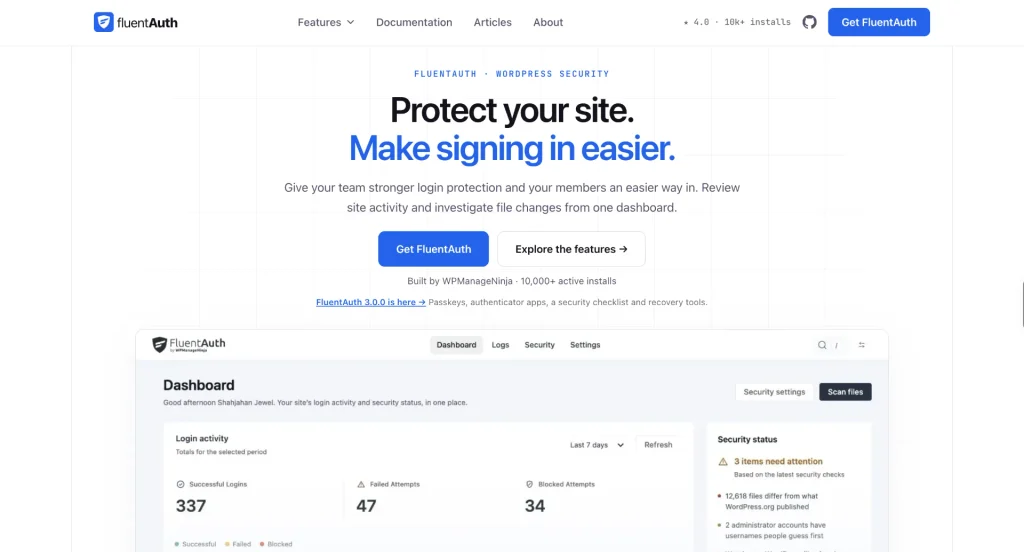
FluentAuth locks down your login page and makes signing in easier for your team and members. It covers the login side of security in more depth than general security plugins. It doesn’t include a firewall, so it works alongside Wordfence rather than replacing it.
Key features:
- Passkeys and two-factor authentication, set by user role
- Login attempt limits, plus IP allow and block lists
- Social login with Google, GitHub, and Facebook, plus Google One Tap
- Magic login links sent by email, with no password needed
- A log of every login, failed attempt, and plugin change
- File change scanning and recovery tools for a hacked site
Best for: membership, community, and multi-author sites with many people signing in.
Plan: free.
8. Akismet: stop comment and form spam
Akismet checks comments and form submissions against a global spam database and filters out the junk before it reaches you. It comes from Automattic, the company behind WordPress.com.

Key features:
- Automatic spam filtering for every comment
- Spam checks on contact form submissions
- A status history showing which comments Akismet caught or cleared
- Visible URLs in comments, so hidden or misleading links stand out
- A discard option that blocks the worst spam outright
Best for: blogs with open comments and any site that gets form spam.
Plan: API keys are free for personal blogs. Business and commercial sites need a paid plan.
The Akismet integration in Fluent Forms is free. Once Akismet is active and connected, go to Fluent Forms → Global Settings → General → Miscellaneous and turn on Enable Akismet Integration. Then choose whether a spam entry is marked as spam, fails to submit, or is marked as spam and skips processing.
9. Activity Log Pro: see who changed what
Activity Log Pro records who did what on your site and when, from logins and content edits to plugin updates and settings changes. When something breaks, you can check what changed right before it happened.
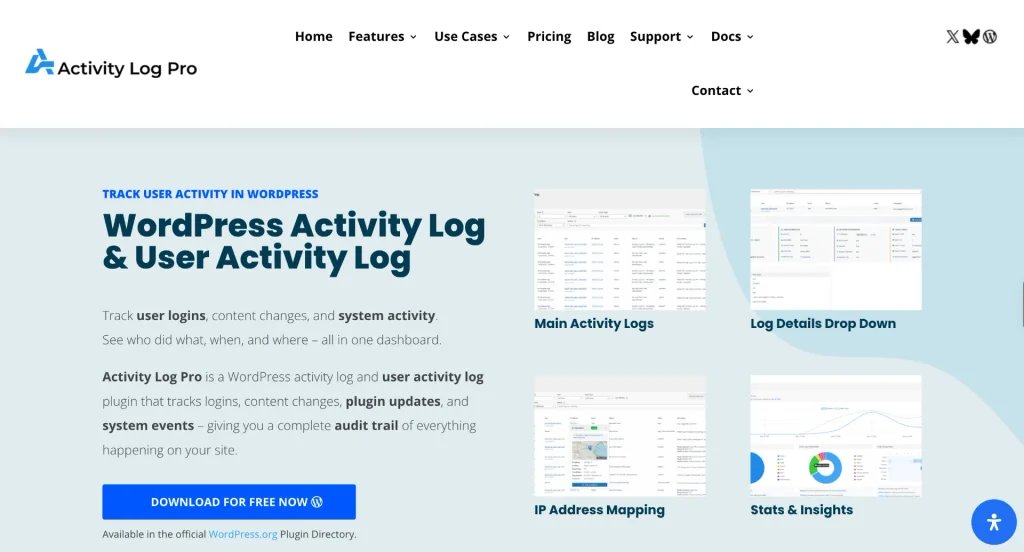
Despite the name, it has a free version on WordPress.org that covers all the core logging. It’s a smaller, newer plugin from an independent developer (400+ active installs), with a 5-star rating from 14 reviews.
Key features:
- Logs for logins, failed logins, content edits, and plugin, theme, and core changes
- Severity levels from Critical to Info, so important events stand out
- A Live Sessions screen showing who’s signed in right now
- Exports in CSV, JSON, HTML, or TXT
- Log retention from 7 to 365 days, with IP addresses anonymized by default
Best for: agencies, maintenance providers, and sites with several editors.
Plan: the free version covers core logging. Premium adds email security alerts, WooCommerce logging, and Log Channels that send your logs to Slack, Datadog, Better Stack, and similar tools.
Plugins for Marketing and Growth
With the site built and protected, the next step is turning visitors into contacts and customers. These two help you stay in touch and show proof that people trust you.
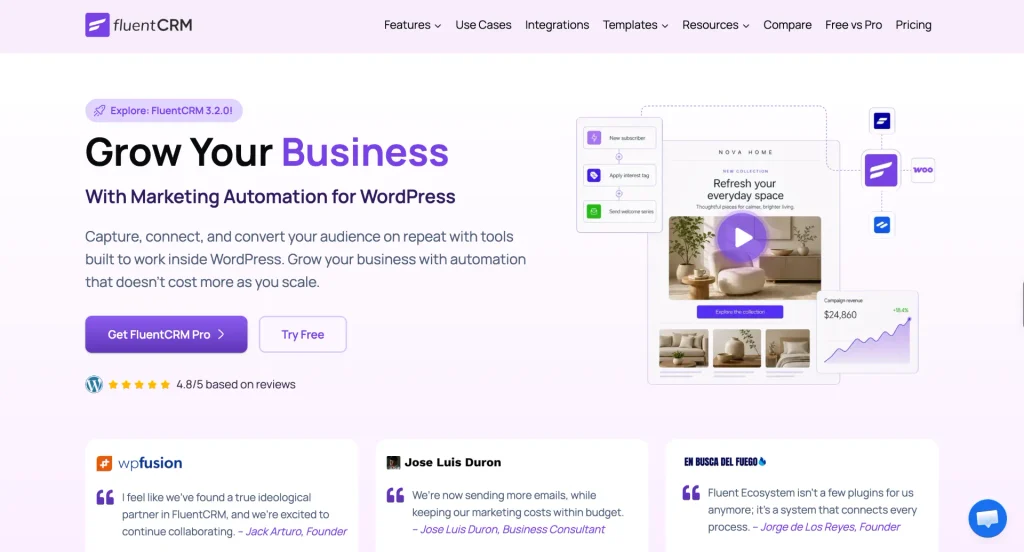
10. FluentCRM: email marketing inside WordPress
FluentCRM runs email marketing and automation from inside WordPress, so your contacts stay in your own database instead of on a third-party service.
You can send newsletters, segment contacts, and build automations for onboarding or follow-ups, all from the dashboard you already use. Pair it with FluentSMTP so those emails reach the inbox.
Key features:
- Unlimited contacts and email campaigns, with no sending caps from the plugin itself
- Lists and tags for segmenting contacts
- Automations for onboarding and follow-up sequences
- Double opt-in for cleaner email lists
- Detailed campaign reports
- The Fluent Forms connection adds or updates a contact every time someone submits a form. You can even qualify leads using their form answers.
Best for: businesses that want email marketing without paying per contact.
Plan: the free plugin covers the core features. FluentCRM Pro adds integrations with WooCommerce, LMS, and membership plugins.
11. WP Social Ninja: social proof on your pages
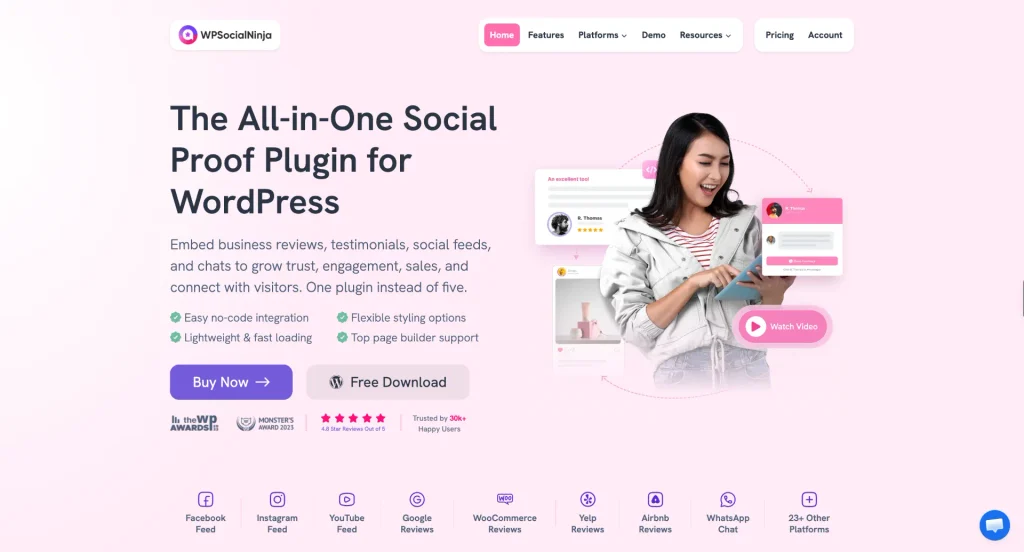
WP Social Ninja shows social feeds, customer reviews, and chat widgets on your site, so visitors can see who uses and recommends your business.
Key features:
- Google and Airbnb reviews in the free version
- Social feeds from Instagram, Facebook, YouTube, and TikTok
- WhatsApp, Messenger, and Telegram chat widgets in the free version
- Templates and filters for how reviews and feeds look on the page
Best for: local businesses, service providers, and stores that rely on reviews.
Plan: the free version covers the basics. Pro adds more review sources, such as Facebook, Yelp, Tripadvisor, and WooCommerce reviews, plus more chat channels.
Plugins for Selling Online
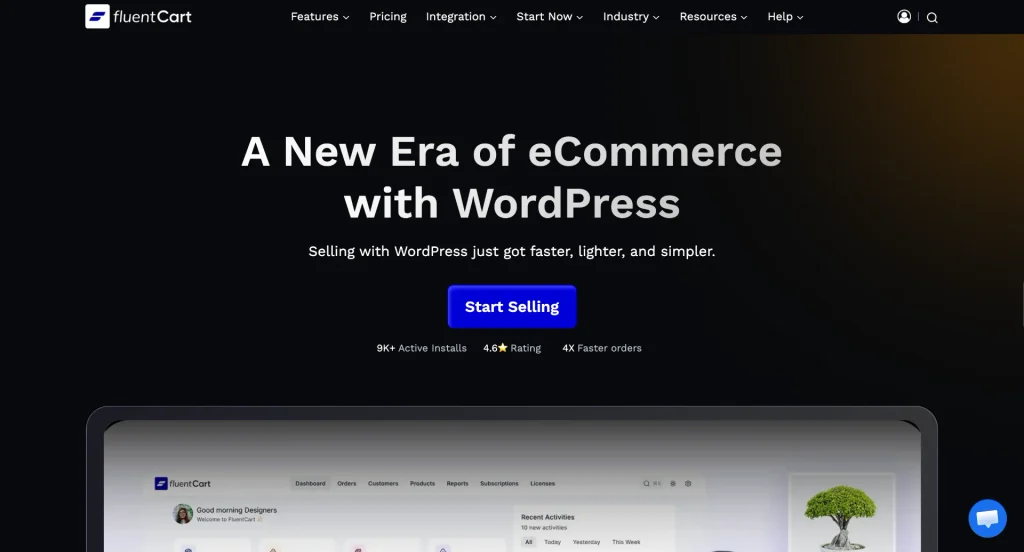
12. FluentCart: a lighter way to run a store
FluentCart runs an online store inside WordPress for physical products, digital downloads, subscriptions, and software licenses. You can sell all of them from the same store.
It stores orders and customers in its own database tables instead of the standard WordPress post tables, which keeps things fast as your store grows.
Key features:
- Physical, digital, subscription, and licensed products in one store
- No transaction fees from FluentCart, on the free or Pro version
- Stripe, PayPal, and cash on delivery in the free version
- Coupons, tax, shipping, and product reviews
- Built-in connections with FluentCRM, FluentCommunity, and FluentAffiliate
Best for: creators and small businesses selling digital products, subscriptions, or a mix of products.
Plan: the free version runs a full store. Pro adds installment payments, license keys, prorated charges, and more payment gateways.
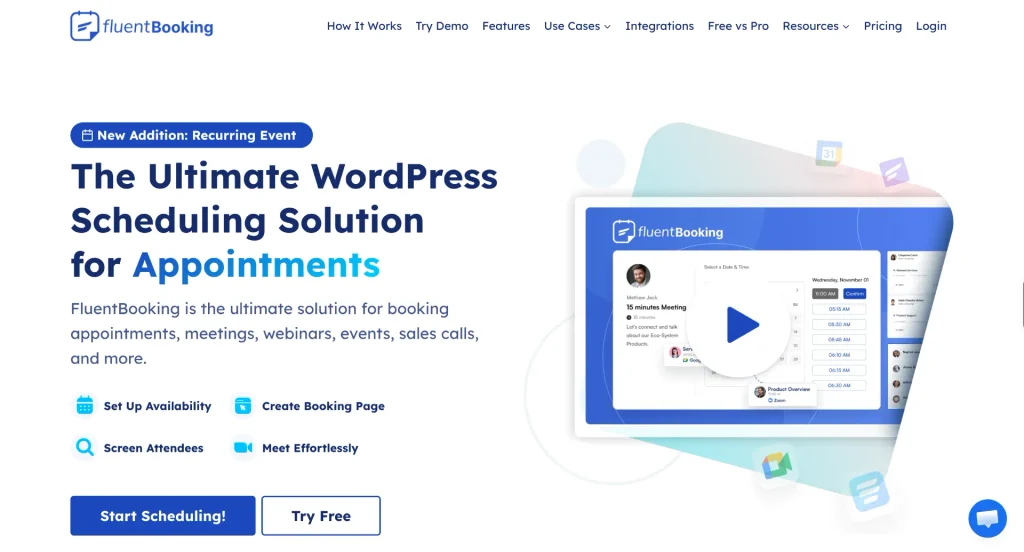
13. FluentBooking: let clients book you directly
FluentBooking lets clients book time with you straight from your site, based on the availability you set. That replaces the back-and-forth emails to find a meeting time.
Key features:
- Unlimited hosts and calendars
- One-on-one meetings with your own availability rules
- Email notifications and reminders
- A Fluent Forms integration that books a slot when someone submits a form
Best for: consultants, coaches, agencies, and service businesses.
Plan: the free version handles one-on-one booking. Pro adds group and round robin meetings, Google and Outlook calendar sync, automatic Zoom and Google Meet links, Stripe and PayPal payments, and SMS notifications.
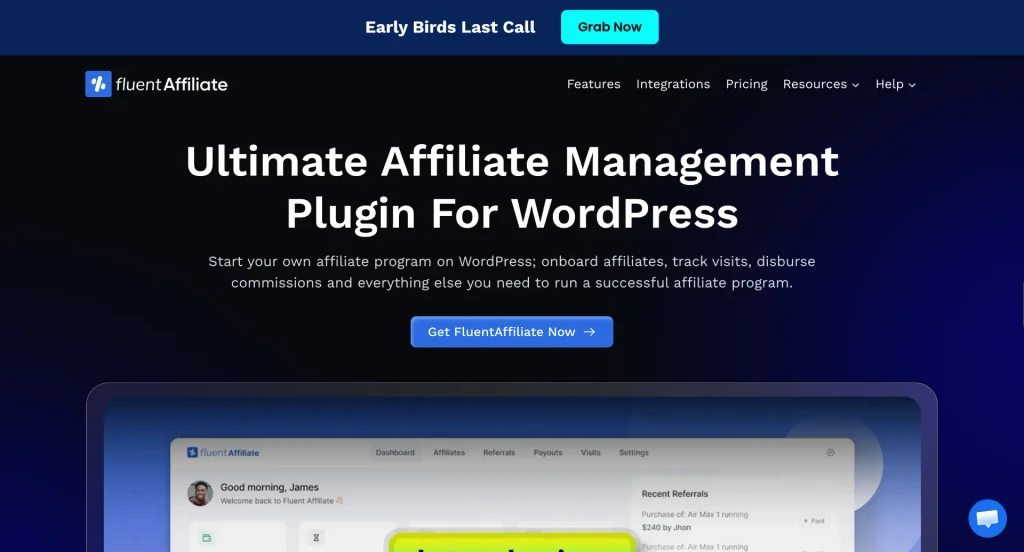
14. FluentAffiliate: run your own affiliate program
FluentAffiliate runs a self-hosted affiliate program. Partners sign up, get referral links, and earn commissions, and you track all of it inside WordPress.
Key features:
- Unlimited affiliates
- An affiliate portal with a built-in registration form
- Commission rules by product, category, or affiliate group
- Coupon code tracking, payouts, and real-time reports
- A migration tool for moving over from other affiliate plugins
Best for: businesses that want partners and customers to promote their products.
Plan: the free version includes integrations with Fluent Forms, FluentCart, and FluentBooking. Pro adds integrations with WooCommerce, membership plugins, and LMS plugins.
Plugins for Content, Video, and Community
15. FluentPlayer: video that captures leads
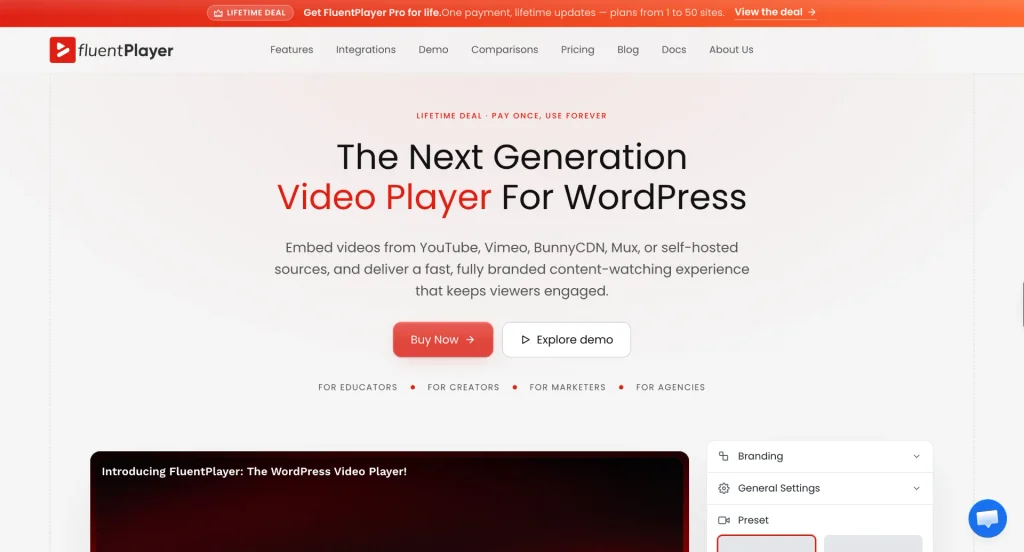
FluentPlayer replaces the default video embed with a branded player that can show a form or email capture box partway through a video. That way, viewers can sign up or respond without leaving the video.
Key features:
- Playback for self-hosted video, YouTube, Vimeo, and audio
- Chapters for long videos
- Six built-in player presets
- Fluent Forms and email capture layers inside the video
- Integrations with Fluent Forms, FluentCRM, and FluentCommunity
Best for: course creators, marketers, and anyone using video to generate leads.
Plan: the free version is on WordPress.org. Pro is sold as a lifetime license and adds analytics, playlists, CTA and hotspot layers, subtitles, and more video sources.
16. FluentCommunity: community and courses in one place
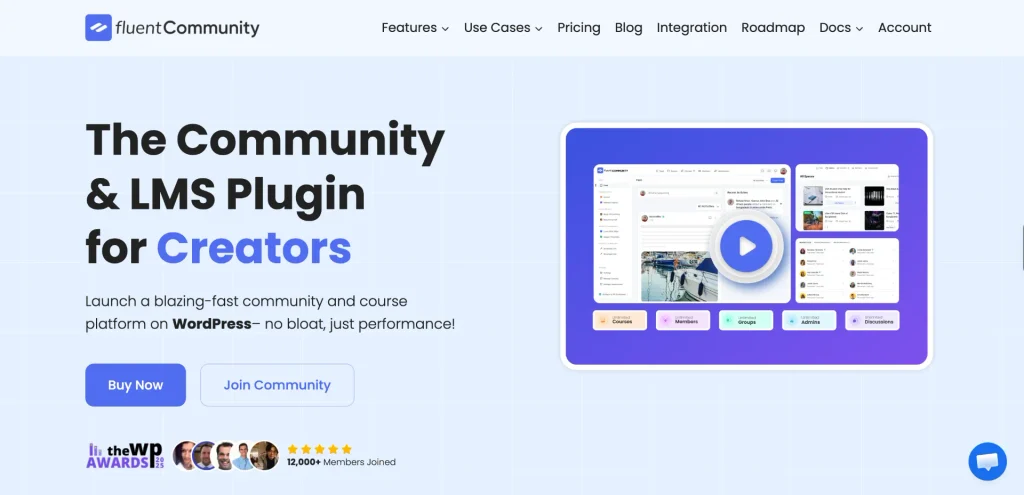
FluentCommunity gives you a private community and a learning platform in one plugin, so members can talk and take courses in the same place.
Key features:
- Spaces, activity feeds, and real-time chat
- A course builder with progress tracking and drip content
- Course and space sales through FluentCart
- Moderation tools, user profiles, and email digests
- One-click migration from other community plugins
Best for: course creators, coaches, and brands building a member community.
Plan: the free version covers community and course basics. Pro adds quizzes, sequential lessons, leaderboards, badges, and cloud storage.
17. Ninja Tables: clean, responsive data tables
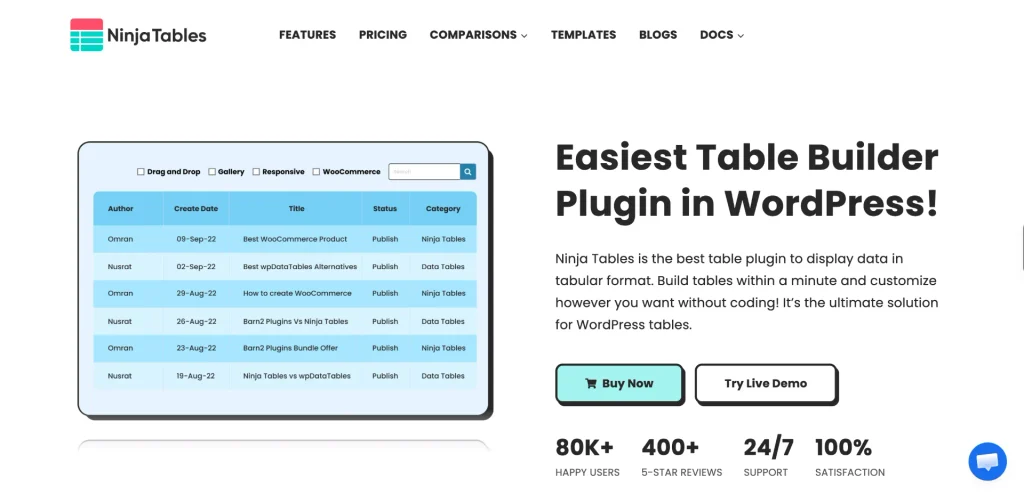
Ninja Tables builds responsive data tables without code, from pricing tables and directories to schedules and spec sheets.
Key features:
- A drag-and-drop table builder
- Responsive, searchable tables
- CSV and JSON import and export
- A Fluent Forms integration that fills tables with form submissions
Best for: sites that publish structured data, such as pricing, directories, or product comparisons.
Plan: the free version covers the features above. Pro adds Google Sheets connections, WooCommerce product tables, conditional formatting, and custom filters.
Plugins for Running Your Business
These two plugins keep customer questions and team tasks easy to manage and inside WordPress.
18. Fluent Support: a help desk inside WordPress
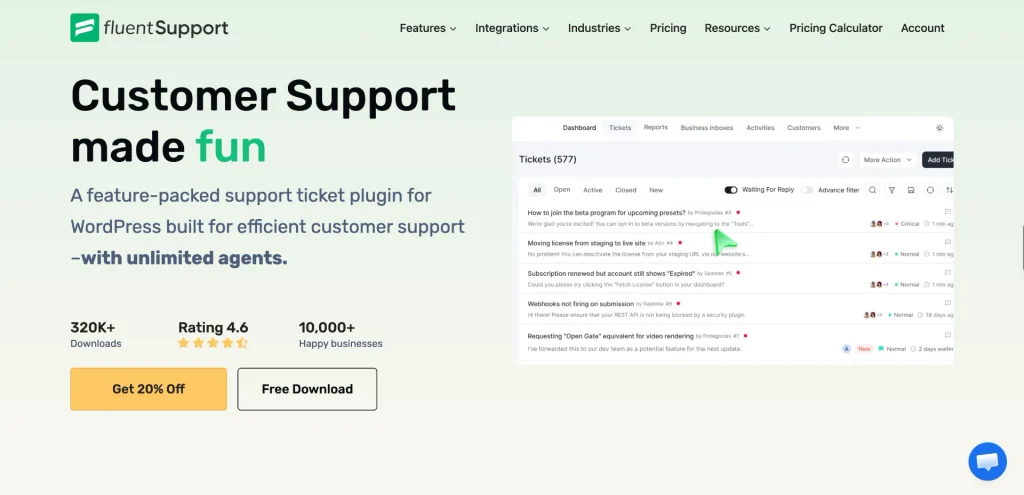
Fluent Support turns WordPress into a help desk, so customer tickets live in your dashboard instead of a shared inbox.
Key features:
- Unlimited agents, tickets, and customers, even in the free version
- Customers can open tickets from your website or your contact form
- A Fluent Forms integration that turns form submissions into tickets
Best for: businesses that handle customer questions, product support, or service requests.
Plan: the free version has no limits on agents or tickets. Pro adds saved replies, workflows, email piping, AI-assisted support, and advanced reports.
19. FluentBoards: projects and tasks without another app
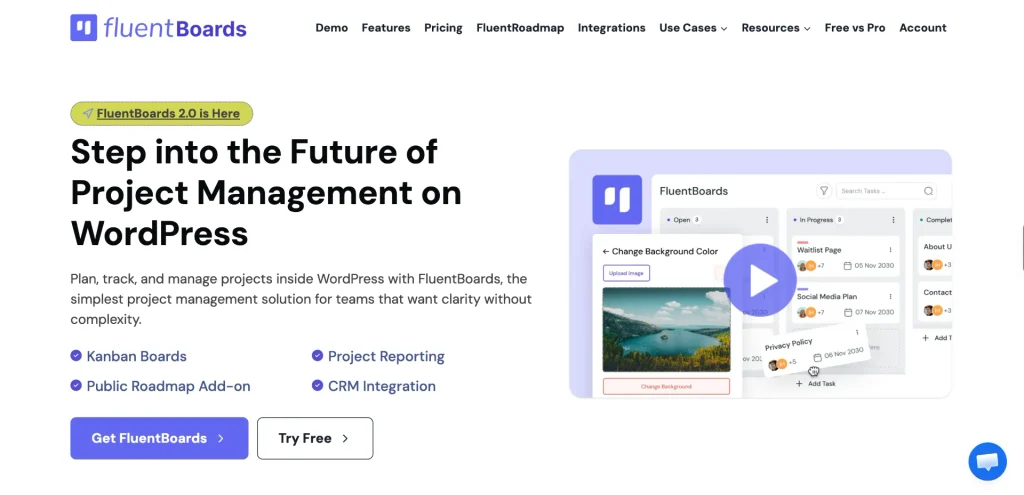
FluentBoards manages projects and tasks inside WordPress with Kanban boards your whole team can use. Clients and teammates don’t need accounts on another tool.
Key features:
- Unlimited boards and tasks
- Kanban and list views
- Subtasks, due dates, priorities, and labels
- Comments, file attachments, and email notifications
- A Fluent Forms integration that turns submissions into tasks
Best for: agencies, freelancers, and small teams.
Plan: The free version includes Kanban and list views. Pro adds calendar and table views and FluentRoadmap, among other features.
An AI Plugin for Building on WordPress
The last pick is for developers and agencies who already work with AI agents and want them to work inside WordPress.
20. Novamira: connect your AI agent to WordPress
Novamira connects an AI agent you already use, such as Claude, ChatGPT, or Cursor, directly to your WordPress site. The agent can then inspect, build, and fix things for you instead of only suggesting code to paste.
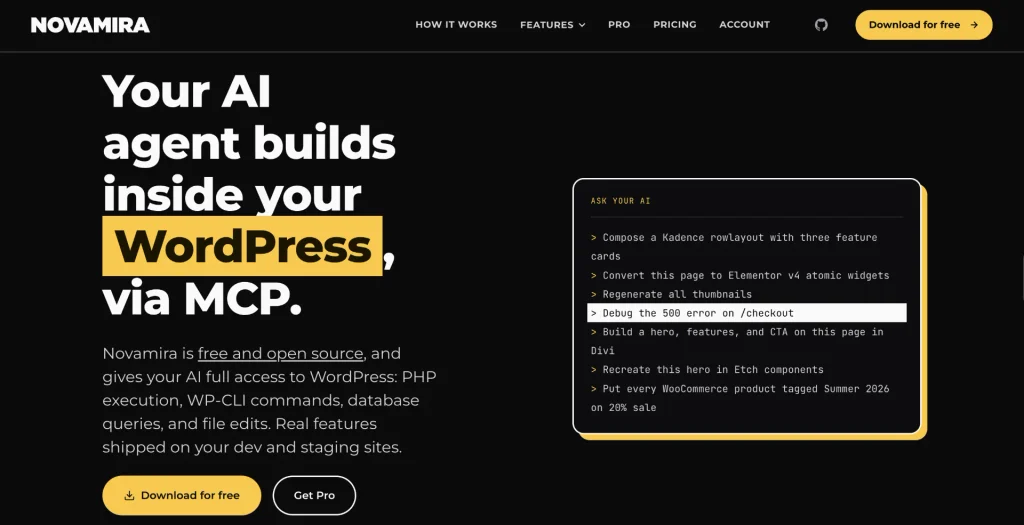
It works by turning your site into an MCP server. Through it, the agent can run PHP, WP-CLI commands, database queries, and file edits inside WordPress.
Key features:
- Works with Claude, Codex, ChatGPT, Cursor, Gemini CLI, and other MCP clients
- Connects your AI client straight to your site, without any hosted service
- New PHP files are sandboxed and recoverable
- Novamira Design keeps AI-built pages on one design system
- Requires WordPress 6.9 or newer
Best for: developers and agencies building on staging or development sites.
Plan: free and open source. Novamira Pro adds memory and deeper expertise for your AI agent. You download it from novamira.ai or GitHub rather than the WordPress.org directory.
Novamira’s own site says it’s built for development and staging sites, with backups. The agent gets full access to your site, and database and config changes run live, so keep it off your production site.
How to Avoid Overlap Between These Plugins
Some plugins on this list touch the same area, so it helps to decide upfront which one owns a particular task. Here’s how I’d split the work:
- Wordfence and FluentAuth: let Wordfence own the firewall and malware scans. Both offer two-factor authentication and passkeys, so pick either plugin for those.
- Akismet and Fluent Forms spam protection: these work together. CAPTCHA and honeypot stop bots at the form, and Akismet checks the content of each submission that proceeds.
- FluentAuth and Activity Log Pro: FluentAuth logs sign-ins and plugin changes. Activity Log Pro records content edits, settings, and everything else that changes on the site.
- FluentCRM and FluentSMTP: FluentCRM creates and schedules your emails, and FluentSMTP delivers them. You need both if you send campaigns.
Starter Plugins for Common Site Types
You don’t need all 20 when you start. Here’s a starting point for different types of sites.
| Site type | Start with |
| Blog | Fluent Forms, Elementor, SEOPress, FluentSMTP, Wordfence, Akismet |
| Small business site | Fluent Forms, Elementor, SEOPress, FluentSMTP, Wordfence, FluentCRM, WP Social Ninja |
| Service business or consultant | Fluent Forms, FluentBooking, FluentCRM, FluentSMTP, Fluent Support, Wordfence |
| Online store | FluentCart, Fluent Forms, SEOPress, FluentSMTP, FluentCRM, FluentAffiliate, Wordfence |
| Course or community site | FluentCommunity, FluentCart, FluentPlayer, FluentAuth, FluentCRM, FluentSMTP |
| Agency managing client sites | Wordfence, FluentAuth, Activity Log Pro, FluentSnippets, FluentBoards, FluentSMTP |
Frequently Asked Questions
What are essential WordPress plugins?
Essential plugins handle tasks almost every site needs: forms, design, SEO, email delivery, and security. Beyond those, what counts as essential depends on your site, such as a store plugin for selling or a booking plugin for appointments.
How many plugins should a WordPress site have?
There’s no fixed number. One well-maintained plugin per issue works better than several plugins that overlap. Remove anything you no longer use, and keep the rest updated.
Are all of these plugins free?
Every plugin here has a free way to start. FluentSMTP and FluentSnippets are completely free, and so is FluentAuth for now. Akismet is free for personal blogs, but business and commercial sites need a paid plan.
Do I need both Wordfence and FluentAuth?
They cover different layers. Wordfence provides the firewall and malware scanning, which FluentAuth doesn’t have. FluentAuth goes deeper on logins, with social login, magic links, and login page design. If you use both, pick one to handle two-factor authentication.
Do I still need Akismet if Fluent Forms has spam protection?
Not always. CAPTCHA and honeypot block most bots at the form. Akismet adds a check on the content itself, which helps if spam still gets through or if your site has open comments.
Will this many plugins slow my site down?
The number of plugins matters less than how well each one is built. Install only the plugins you need, choose actively maintained ones, and delete anything you stop using.
Is Novamira safe to use on a live site?
Novamira’s own guidance is to use it on development and staging sites, with backups. The AI agent gets full access to your site, so test its changes on staging before moving them to your live site.
Grow Your Site One Plugin at a Time
Pick the first task your site needs solved and install a single plugin for it. For most sites, that is a form. Get Fluent Forms free and build your first form today. Then review your plugin list every few months, remove anything you no longer use, and keep the rest updated.
Build Smarter Forms for Free

Sarika writes for Fluent Forms and loves to offer insights into small businesses. She’s curious and enjoys discussing ideas, interests, and perspectives. In her free time, she’s either marvelling at architectural beauties or trying different cuisines.




Leave a Reply