

Top 9 Ecommerce Plugins for WordPress in 2026

The right ecommerce plugin makes selling on WordPress easy. You add products in minutes, checkout runs smoothly, and your data stays yours. The only hard part is knowing which one fits your store before you commit. I lined up the 10 best options for 2026, with honest notes on what each does well, where it falls short, who it suits, and what it costs.
TL;DR
- WooCommerce is the most popular, flexible standard. The biggest ecosystem, at the cost of extension fees and more upkeep.
- FluentCart is the modern pick I would steer most people to. A fast, self-hosted store with zero transaction fees and hybrid product support. Although relatively new, it’s maturing fast as the team is shipping updates regularly.
- Easy Digital Downloads is the specialist for digital files, and Tickera sells event tickets with zero commission.
- Ecwid suits multi-channel selling and large-scale catalogs.
- WP EasyCart, MemberPress, and Paid Memberships Pro cover all-in-one stores, courses, and memberships.
- Watch the fees. FluentCart and the WooCommerce core charge none of their own. Some free tiers add a per-sale cut.
What Makes a Great Ecommerce Plugin for WordPress
The right e-commerce plugin should make your job easier and give shoppers a smooth path to checkout. Here’s what to look for before you pick:
- Transaction fees: some tools take a cut of every sale on top of your payment gateway. Over a year, that adds up.
- Product types: confirm the plugin handles what you sell, whether that is physical goods, digital files, subscriptions, licenses, or memberships.
- Performance: heavy plugins slow your store, and slow stores lose sales. Lean architecture and good hosting keep checkout fast.
- Ownership and control: a self-hosted plugin keeps your data and customers on your server, with no platform lock-in.
- Setup and support: a clear setup flow and responsive support save you hours, especially early on.
With those five in mind, here is how the 10 plugins stack up.
The 10 Best Ecommerce Plugins for WordPress in 2026
Here’s the top 10 e-commerce plugins at a glance, ordered by how well they fit the most common needs in 2026.
| Plugin | Best for | Products | Own transaction fee | Starting price |
| WooCommerce | Flexibility and ecosystem | Physical, digital, more via extensions | None on core | Free core, paid extensions |
| FluentCart | Self-hosted all-round store | Physical, digital, subscriptions, licenses | None (free and Pro) | Free core, paid starts at $199/yr |
| Easy Digital Downloads | Digital products | Digital, licenses | Free & Personal tiers | Free core, from $199.50/yr |
| Ecwid by Lightspeed | Multi-channel selling | Physical, digital | None (gateway fees apply) | Starts at $5/mo |
| WP EasyCart | All-in-one, non-developers | Physical, digital, services, donations | 2% on free version | Free, Pro $69/yr |
| MemberPress | Memberships and courses | Memberships, courses, digital | 4.9% Fee on entry plan only | From $399/yr |
| Paid Memberships Pro | Associations and subscriptions | Memberships, subscriptions | 2% Stripe Connect fee on free tier | Free core, starts at $49/mo |
| Tickera | Selling event tickets | Event tickets, registrations | None (0% commission) | $149 first yr, $99 renewal |
| Sunshine Photo Cart | Photographers selling prints and galleries | Prints, digital downloads | PayPal (none); Stripe/Square (5% on free) | Free core, starts $149/yr |
Prices reflect current published rates and can change. Check each plugin’s pricing page before you buy.
1. WooCommerce: the flexible standard that runs most WordPress stores
WooCommerce takes the top spot for powering a larger share of online stores. Almost every theme, developer, and integration is built to work with it. If you want the most supported foundation, you start here.
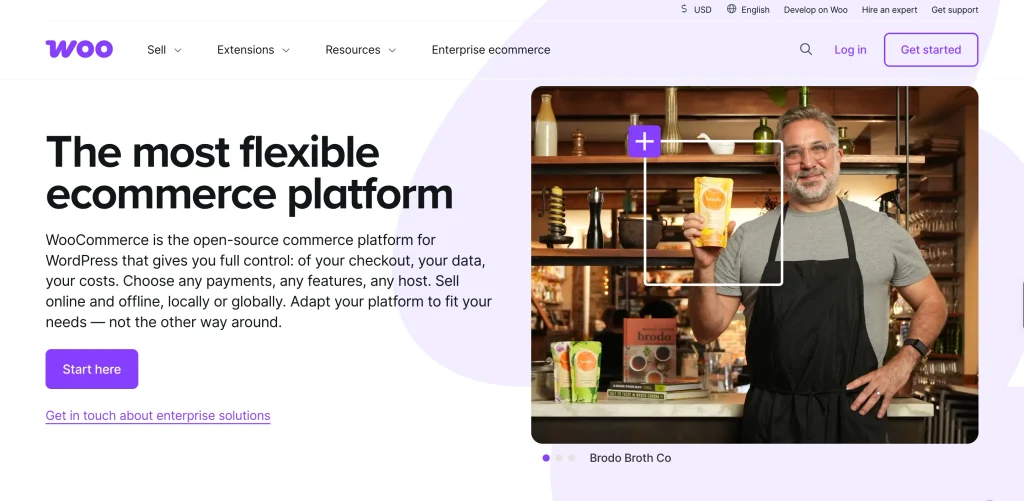
Best for: stores that want maximum flexibility and a huge ecosystem, run by owners who do not mind managing hosting and a few extensions.
Standout features: a free open-source core, physical and digital products, product variations, more than 100 payment gateways, including WooPayments, Stripe, PayPal, and Square, plus subscriptions, bookings, and memberships through official extensions. It ships a full REST API and gives you complete ownership of your data.
Pros:
- Unmatched flexibility and the largest community and integration library.
- You own your store data and can move it anywhere.
- Scales well with good hosting.
Cons:
- Costs increase through paid extensions for subscriptions, bookings, and shipping.
- Cart and checkout pages cannot be cached, so speed depends on your hosting.
- More moving parts to maintain and keep compatible.
2. FluentCart, a performance-first store with zero transaction fees
FluentCart is built for speed and ownership. It comes from WPManageNinja, the same team behind Fluent Forms, so it fits into a toolkit many WordPress users already run.
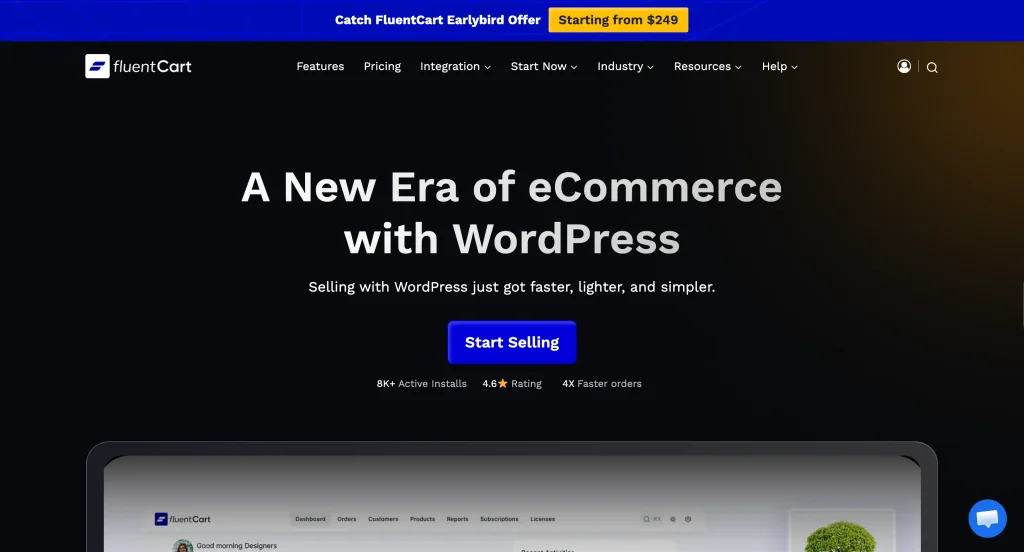
Best for: creators and growing businesses that want a self-hosted store, no platform fees, and the freedom to sell physical, digital, subscription, and licensed products in one place.
- A custom database schema built for speed.
- Zero transaction fees on both the free and Pro versions.
- Hybrid product types in one store: physical goods, digital downloads, subscriptions, installments, and software licenses.
- One-click checkout with Stripe, PayPal, Paddle, Paystack, Mollie, Razorpay, Authorize.Net, and Mercado Pago.
- Built-in analytics for revenue, refunds, customer lifetime value, and subscriptions, plus tax handling for global and EU rules, shipping, and inventory.
- A full REST API, headless support, and Gutenberg and Bricks blocks.
- A WooCommerce migrator for products, orders, customers, and coupons, plus data export to CSV or JSON.
- Native ties to FluentCRM, FluentCommunity, and FluentAffiliate.
Pros
- Zero transaction fees on both the free and Pro versions.
- A fast single-page admin with a built-in bulk editor and regular updates.
- Physical, digital, subscription, and licensed products in one plugin, with one-click WooCommerce migration.
Cons
- It is new, launched in 2026, so its library of third-party add-ons is still relatively smaller.
- Some features, like installments, licensing, and analytics beyond 30 days, are Pro only.
3. Easy Digital Downloads, built for digital goods
If your whole catalog is digital, Easy Digital Downloads (EDD) removes the physical-store settings you will never use. It’s best for creators and developers selling eBooks, software, music, graphics, PDFs, and licenses.
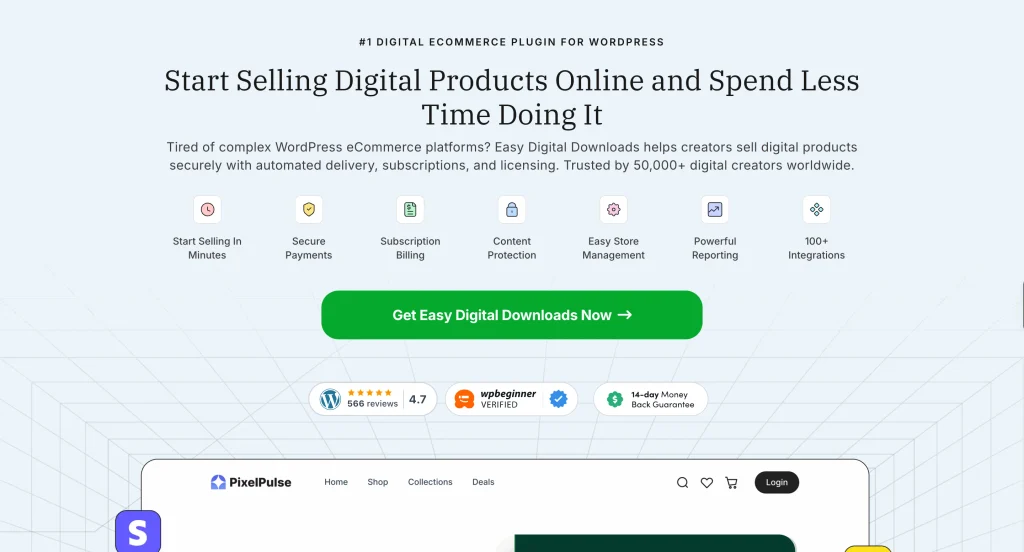
Standout features: secure file delivery, download limits and link expiry, software licensing, subscriptions through extensions, support for Stripe, PayPal, Apple Pay, and Google Pay, EU VAT handling, a customer dashboard, built-in reporting, and connections to tools like Mailchimp and ConvertKit.
Pros:
- Lightweight and focused on digital sales.
- Clean, fast setup.
- Strong licensing and secure downloads.
Cons:
- Not made for physical goods or very large catalogs.
- Several features sit behind paid extensions.
4. Ecwid by Lightspeed, sell across channels
Ecwid is a hosted store that you embed into WordPress. It’s a good choice when you want to sell in more than one place, for example, on social platforms and marketplaces alongside WordPress.
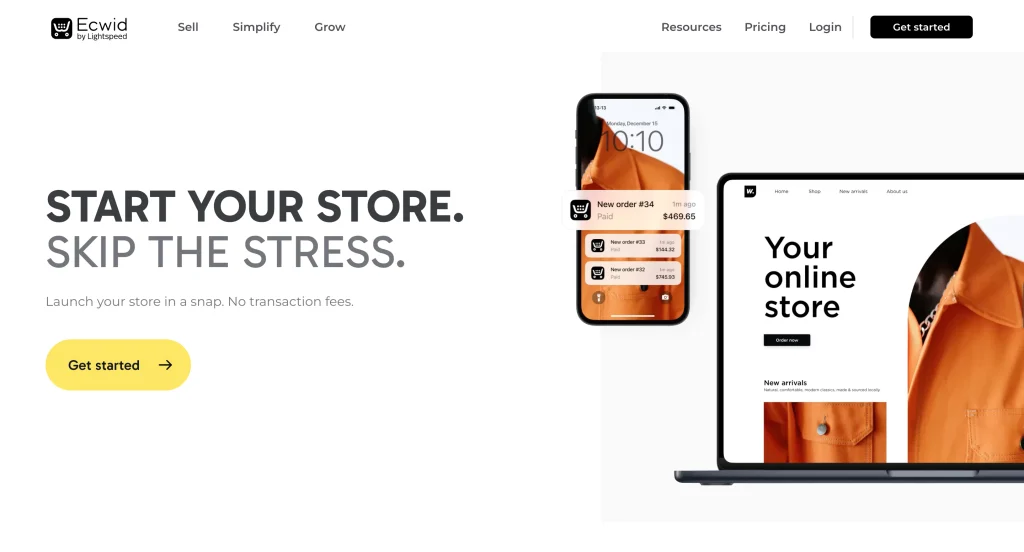
Notable features: embeddable store, selling on Instagram, TikTok, Amazon, eBay, Facebook, PCI-compliant hosted checkout, digital downloads, multi-language catalogue, point of sale option on top tier. Ecwid charges no transaction fees of its own, though your payment gateway still applies its rates.
Pros:
- Quick to add to almost any site.
- Strong multi-channel and social selling.
- Hosted, PCI-compliant checkout.
Cons:
- Key features are gated behind higher tiers.
- The lower tiers cap product counts.
- SEO tools and the app selection are more limited than those offered by some competitors.
5. WP EasyCart, an all-in-one store for non-developers
WP EasyCart bundles the common store features into one plugin, so small business owners can launch without piecing together add-ons. It’s best for small retailers and service businesses that want a full store with minimal setup.
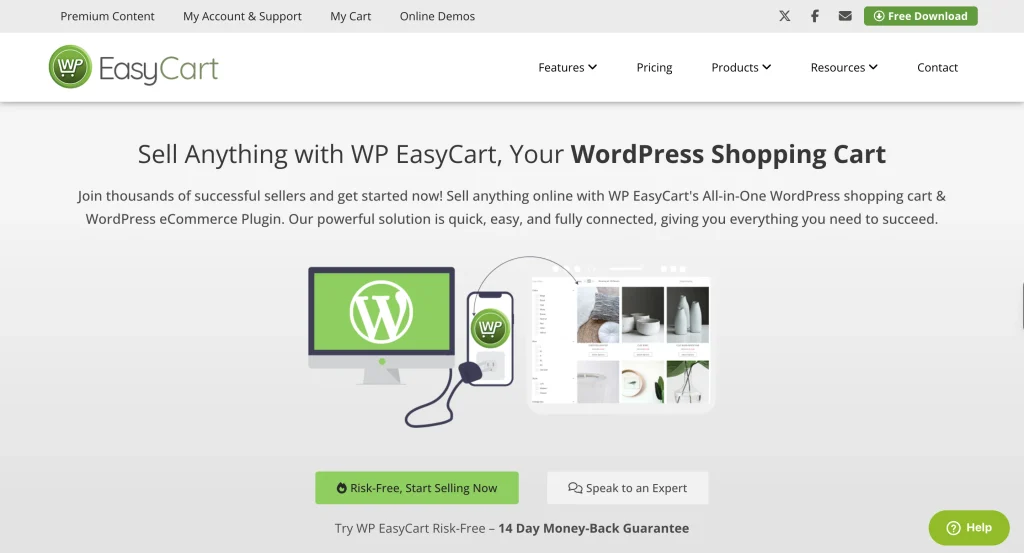
Standout features: physical products, digital goods, services, donations, subscriptions, and gift cards, more than 100 payment gateways, PCI compliance, inventory tracking, shipping, and integrations with QuickBooks, Mailchimp, ShipStation, and AffiliateWP. It works with most themes.
Pros:
- A lot is included out of the box.
- Reasonable paid plans.
- Broad payment gateway support.
Cons:
- A steeper learning curve because of the number of options.
- You need a paid plan for the full feature set and support.
6. MemberPress, the store for selling access
When your product is a membership, a course, or gated content, MemberPress is built for the job. It’s designed for creators and businesses selling memberships, online courses, coaching, and communities.
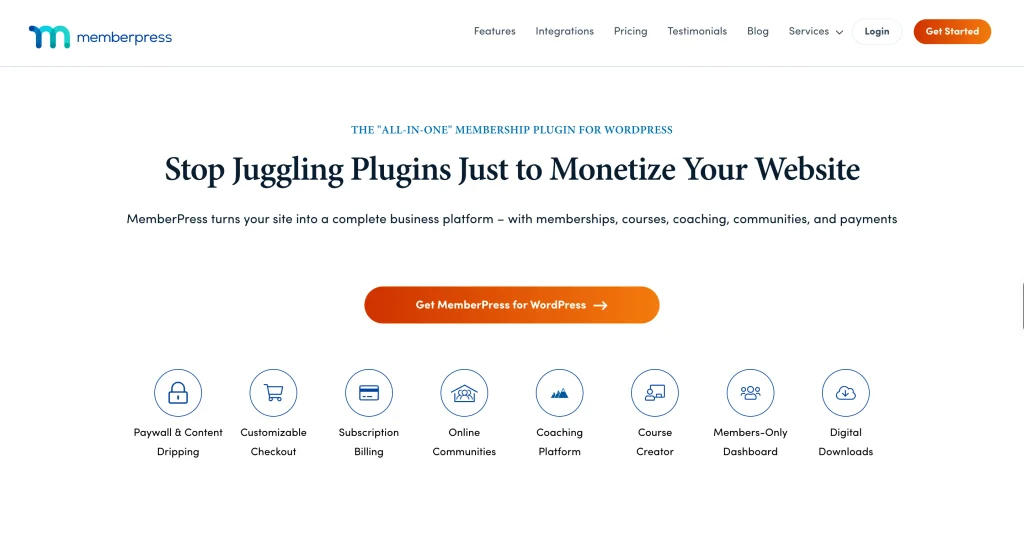
Standout features: content paywalls and drip-feeding (releases lessons on a schedule), recurring billing, a built-in course builder with quizzes, community and coaching add-ons, order bumps, coupons, and support for Stripe, PayPal, and Authorize.net. Paid plans do not add a MemberPress transaction fee.
Pros:
- Best-in-class access control and content protection.
- Strong course and community tools.
- Works with any theme.
Cons:
- Admin navigation can get messy as you add features.
- Reporting misses metrics like churn rate.
- Payment gateway access varies by tier.
7. Paid Memberships Pro, a free membership engine
Paid Memberships Pro (PMP) gives you a full membership system in a free core, with add-ons to shape it to almost any model. It’s built for associations, nonprofits, paid newsletters, and subscription sites that want an open-source base.

Standout features: unlimited membership levels, recurring subscriptions, content restriction across 28 content types, a member management CRM, built-in reporting on signups, cancellations, and revenue, gateways for Stripe, PayPal, Paystack, CCBill, and manual payments included in the core, and more than 60 add-ons.
Pros:
- A powerful free starting point used by thousands of sites.
- Deep customization through add-ons.
- Solid built-in reporting.
Cons:
- The free tier adds about a 2% fee on Stripe Connect.
- A few basics live in add-ons rather than the core.
8. Tickera, sell event tickets on your own site
If what you sell is entry rather than products, Tickera turns WordPress into a full ticketing system, and you keep every cent of each sale. Go for it if you’re selling tickets or registrations for concerts, conferences, festivals, workshops, and fundraisers.
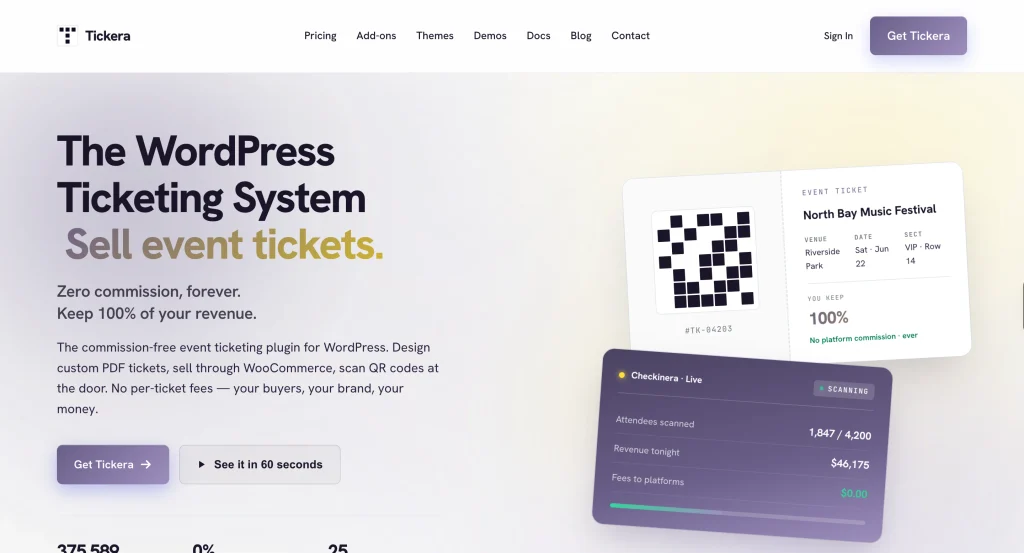
Standout features: a drag-and-drop PDF ticket designer, QR and barcode tickets, the Checkinera check-in apps for iOS, Android, and the web with offline scanning, a seating charts add-on, custom attendee forms, and CSV export. It runs standalone, with an optional bridge if you already use WooCommerce. Payments run through 19 gateways (more via bridge), including Stripe, PayPal, and Authorize.net, and the money lands in your account directly.
Pros:
- Zero commission on every ticket you sell.
- Your attendee data stays on your own server.
- Lifetime deal available for $399
- Strong check-in tools, including offline scanning.
Cons:
- Focused on tickets and events, so it is not a general product store.
- Seating charts and the mobile apps are premium.
9. Sunshine Photo Cart, a store built for photographers
Sunshine Photo Cart is a niche pick designed for selling your photography. It turns WordPress into a client gallery and proofing store, so clients can browse their images and buy prints or downloads on your own site.

Best for: photographers selling prints, digital downloads, and proofing galleries to clients.
Standout features: unlimited client galleries with password protection and expiration dates, automatic watermarking, a shopping cart and one-page checkout, order management with printable invoices, tax and flexible shipping, and add-ons for digital downloads, packages, price levels, gift cards, session fees, and cloud storage. PayPal is included for free, while Stripe and Square work on the free version with a 5% platform fee that upgrading removes.
Pros:
- Purpose-built proofing and gallery workflow for photographers.
- Keeps your sales commission-free through PayPal.
- Works with any theme on your own site.
Cons:
- Built only for photographers, so it is not a general product store.
- Stripe and Square charge a 5% fee until you upgrade, and several features are paid add-ons.
Bonus Tool: Fluent Forms for Order and Payment Forms
Fluent Forms is not a full store, but it earns a place here. It’s a form builder trusted by 700,000 sites, and its payment features offer a quick way to sell without building a storefront.
You build an order or payment form, connect a gateway, and take payments right on your site. The payment toolkit covers more than you might expect:
- Payment Item, Item Quantity, and a live Payment Summary to assemble a working order form.
- Custom Payment Amount for name-your-price, donations, tips, and calculated tax or shipping.
- Coupons and discount codes, plus inventory management with stock limits and out-of-stock status.
- Subscription payments with trial periods, billing intervals, sign-up fees, and multiple plans.
- PDF invoices and receipts through the free PDF add-on, with full transaction records in your dashboard.
- Gateways for Stripe, PayPal, Mollie, Razorpay, Paystack, Square, Paddle, and Authorize.net, plus multi-currency and a test mode.
Pricing: the free version handles Stripe with a 1.9% fee per transaction, and Pro removes the fee and unlocks every gateway. Paid plans start at $79 a year for a single site, and the free version is on WordPress.org.
Reach for Fluent Forms when you sell a handful of products, take bookings or registrations, or collect donations.
How to Choose the Right One for Your Store
The best plugin is the one that fits what you sell. Here is a quick way to narrow it down.
If you sell physical products
Start with FluentCart or WooCommerce. Both handle inventory, shipping, and variations. FluentCart keeps fees at zero and the admin fast, while WooCommerce gives you the widest choice of shipping and gateway integrations if you are ready to manage a few extensions.
If you sell digital products
Easy Digital Downloads is the specialist, with secure delivery and licensing built in. FluentCart is a strong alternative if you also want subscriptions and physical items in the same store later.
If you sell memberships or subscriptions
MemberPress is the pick for courses and gated content, and Paid Memberships Pro is the free, open-source starting point. FluentCart handles straightforward subscriptions on its own.
If you sell tickets or event entry
Tickera is purpose-built for this. You can design tickets, sell them commission-free, and scan attendees at the door, all from your own site.
If you want the lightest setup
Ecwid gets you selling fast with little upkeep, since it leans on hosted infrastructure, and Fluent Forms is the quickest route to sell a few products or take payments with a simple order form. WP EasyCart is the option if you prefer everything inside a self-hosted plugin.
Enjoying this article?
We regularly publish actionable content on our blog. Subscribe to get them delivered straight to your inbox.
We won’t spam you. You can unsubscribe whenever you want.
Frequently Asked Questions
What is the best ecommerce plugin for WordPress in 2026?
WooCommerce is the safe, most-supported default, which is why it takes the top spot. If you want speed, ownership, and no per-sale cut, FluentCart is the modern pick I would suggest. The right answer depends on what you sell and how much you want to manage.
Which WordPress ecommerce plugin has no transaction fees?
FluentCart charges no transaction fees on its free or Pro versions, and the WooCommerce core adds none of its own. Ecwid, and Tickera do not take a cut either, though your payment gateway always applies its own rate. Easy Digital Downloads adds a platform fee on its free and Personal tiers, WP EasyCart and Paid Memberships Pro do add a fee on their free tiers, and MemberPress adds one on its entry plan.
Can I sell physical and digital products together?
Yes. FluentCart, WooCommerce, and WP EasyCart all support hybrid catalogs, so you can sell a physical item and a download from the same store.
Do I need WooCommerce to sell on WordPress?
No. WooCommerce is popular, but it is not required. FluentCart, Easy Digital Downloads, and Ecwid are all complete alternatives.
What is the cheapest way to start selling?
Begin with a free core. FluentCart, WooCommerce, Easy Digital Downloads, and Paid Memberships Pro all offer free versions, and Ecwid has a free plan. You can launch a basic store, then upgrade only when you need more.
Start Selling With the Right Plugin
You now have a clear map of the 10 best ecommerce plugins for WordPress in 2026 and which of those fit your products and budget. If you want a store you fully own, with zero transaction fees and a fast, modern admin, start with FluentCart.
Install the free version from WordPress.org, add your first product, connect Stripe or PayPal, and you are ready to sell. When you are set to grow, the Pro plan opens up more without ever taking a cut of your sales.

Sarika writes for Fluent Forms and loves to offer insights into small businesses. She’s curious and enjoys discussing ideas, interests, and perspectives. In her free time, she’s either marvelling at architectural beauties or trying different cuisines.




Leave a Reply