
What is WordPress Abilities API & Why You Don’t Need to Care About It (Yet)
Not a developer here. Just someone who works with WordPress every day, reads release notes, follows core updates, and then pauses when something like “Abilities API” shows up.
If you’re a WordPress user, site owner, or marketer, you’ve probably had the same reaction. You see a new technical term in a release post, don’t fully understand it, and wonder whether you’re missing something important or falling behind.
That reaction is reasonable.
This post is written from that exact place. Not as a technical deep dive, and not as a developer tutorial, but as an attempt to translate what the Abilities API is, why WordPress added it, and why most of us don’t need to worry about it right now.
TL;DR
- The Abilities API was introduced in WordPress 6.9 as a foundation layer, not a user-facing feature.
- It does not change the editor, workflows, or site behavior in any visible way.
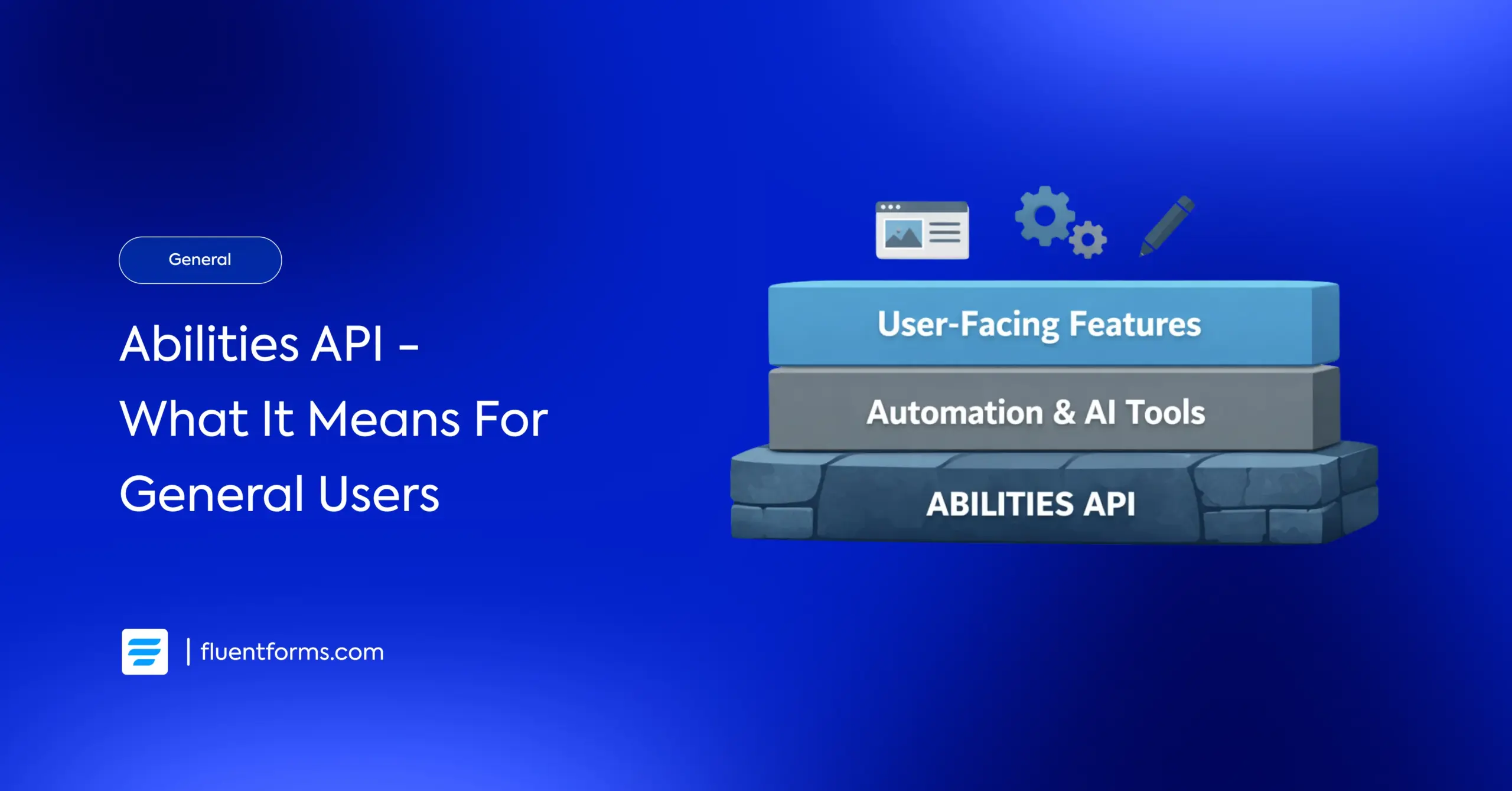
- Its purpose is to give WordPress a standardized way to describe what actions are possible, especially for automation and AI tools.
- This work mainly affects developers and product builders today, not general users.
- For most WordPress users, there is nothing to act on right now. The value lies in what this enables in future releases, including WordPress 7.0 and beyond.
Why WordPress introduced something most users won’t notice
From a user’s point of view, this kind of change feels odd. A new API lands, it shows up in release notes, and yet nothing looks or behaves differently. No new option. No improvement you can immediately point to.
That usually raises a fair question: why did WordPress bother shipping this at all?
The answer has less to do with how we use WordPress today and more to do with how WordPress is being used behind the scenes. As the platform supports more complex workflows, integrations, and experiments around automation and AI, it needs clearer internal rules.
The Abilities API exists to help WordPress describe what actions are possible, under what conditions, and by whom. It’s the kind of groundwork that needs to be in place before more advanced features can exist without creating chaos later.
What Abilities API actually does
Here’s the most useful way to think about it as a non-developer.
WordPress now has a clearer way to describe what actions are allowed inside the system. That matters when tools other than humans start interacting with it. Automation tools, AI assistants, background processes. All of them need guardrails.
Without something like the Abilities API, every plugin or integration would have to make assumptions about what it can and cannot do. That leads to inconsistency and risk.
If you’re curious how this foundation translates into real automation scenarios, there’s one write-up I’d recommend.
The WordPress Abilities API: How It’s Changing Automation explains the concept in plain language and then walks through a real example of building on top of it. It’s written for developers, but even as a non-developer, I found it surprisingly readable and practical.
Who this is really for
Developers and plugin builders are the ones directly working with the Abilities API. They’re the audience it was built for.
Agencies and product teams benefit indirectly because a shared foundation usually means fewer edge cases and better interoperability later.
For most site owners, marketers, and content teams, this is background noise. You’re not expected to understand it deeply or do anything with it.
What Abilities API enables later, without overpromising
A more accurate way to frame it is this: the Abilities API makes it safer and easier for future tools to exist. That includes AI assistants, automation workflows, and smarter integrations. It does not guarantee when or how those will appear.
This separation between foundation and delivery is deliberate. WordPress is trying to avoid shipping features before the platform is ready to support them responsibly.
How Abilities API fits into the bigger picture
If you’ve been following recent WordPress releases, this pattern may already feel familiar.
WordPress 6.9 focused more on foundations than features. Collaboration groundwork, admin consistency, editor isolation, and now systems like the Abilities API all point in the same direction.
This is the same mindset shaping early planning for WordPress 7.0. Less rush. More coordination. Fewer surprises later.
As someone who reads these updates from a non-developer perspective, that’s a reassuring direction, even if it doesn’t come with instant wins.
Further reading, if you want to go deeper
If you’re more technical or just want to understand how the Abilities API is defined and used at a core level, the documentation-style guide on WP-Kama is the most complete resource I’ve seen so far.
It covers the core concepts, definitions, and usage examples in detail. This is not required reading for most users, but it’s a solid reference if you want the full picture.
Did I miss anything? Drop it in the comments below! Follow us for more updates.
Enjoying this article?
We regularly publish actionable content on our blog. Subscribe to get them delivered straight to your inbox.
We won’t spam you. You can unsubscribe whenever you want.

This is Sumit. He’s a physics major who’s trying to understand both the physical as well as the WordPress worlds. Whenever he’s not busy, plays fifa or spends time with his family.



Leave a Reply