

Why Specialized WordPress Plugins Still Beat AI Codegen
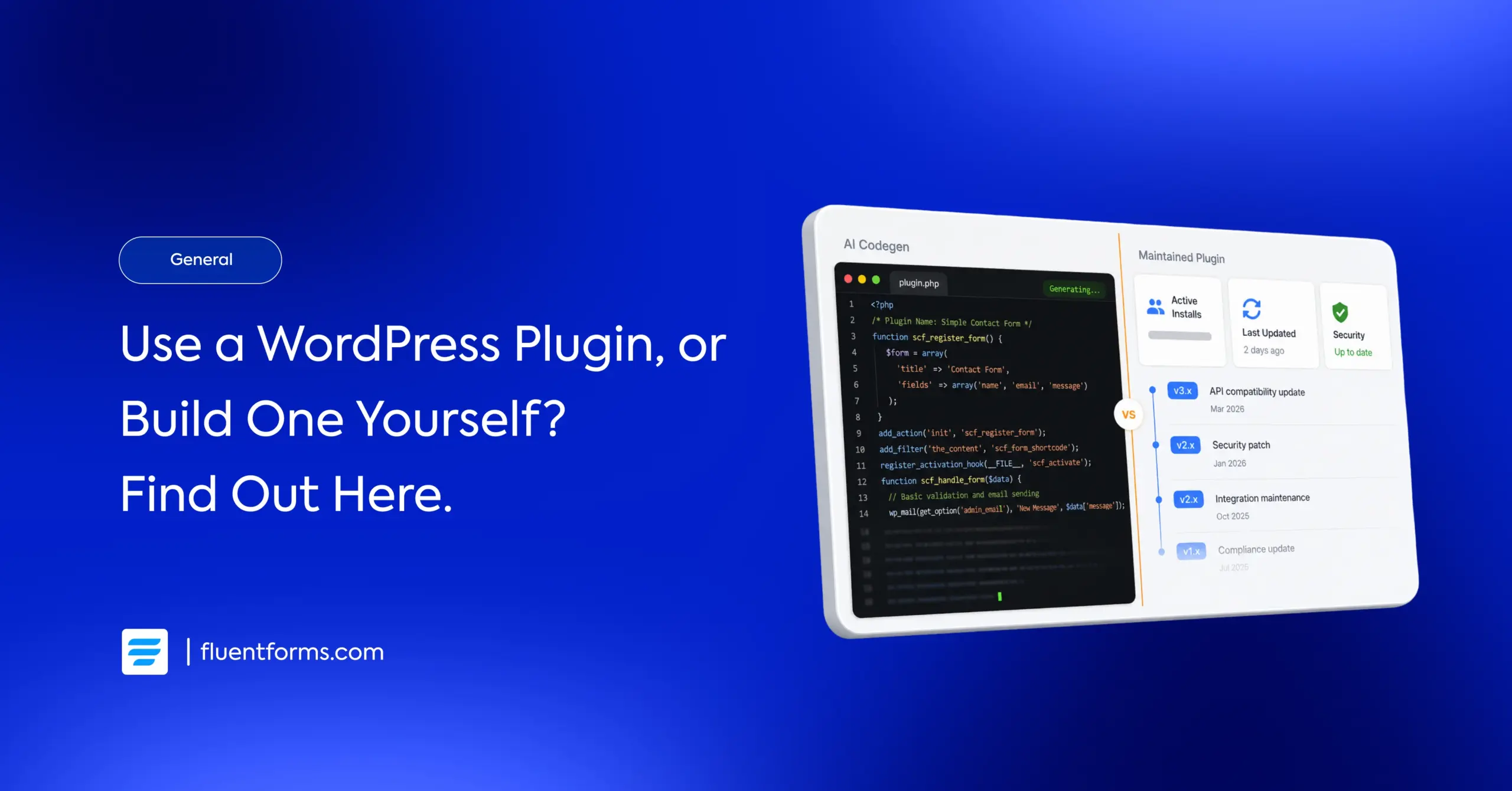
You opened Claude Code on Tuesday. By Wednesday afternoon you had a working contact form, a payment endpoint, and a basic admin dashboard. By Thursday morning the question landed: what am I still paying for specialized WordPress plugins when AI codegen can build this stuff in hours?
That question deserves a real answer.
TL;DR
- Plugin teams use the same AI codegen tools as solo developers. The code comes out the same way.
- What separates a maintained plugin from a custom build is not how the code was written. It’s what happens to the code for the next three years.
- Stripe now ships breaking API changes twice a year on a fixed schedule. Someone has to be watching.
- A 2025 audit found 10% of AI-generated web apps had critical security vulnerabilities; not because AI wrote them, but because nothing reviewed them after.
- Some plugin categories will fade not because AI replaced them, but because they never had anything worth maintaining.
- The question is not “plugin or custom build?” It is “who owns this after it ships?”
Where AI Codegen Actually Wins
AI codegen is not hype. Claude Code, Cursor, v0, Lovable, Bolt. These tools ship working features faster than any prior generation of developer tooling. A solo developer can prototype a form, generate a payment flow, and have it running in an afternoon. Three years ago that was a week of work.
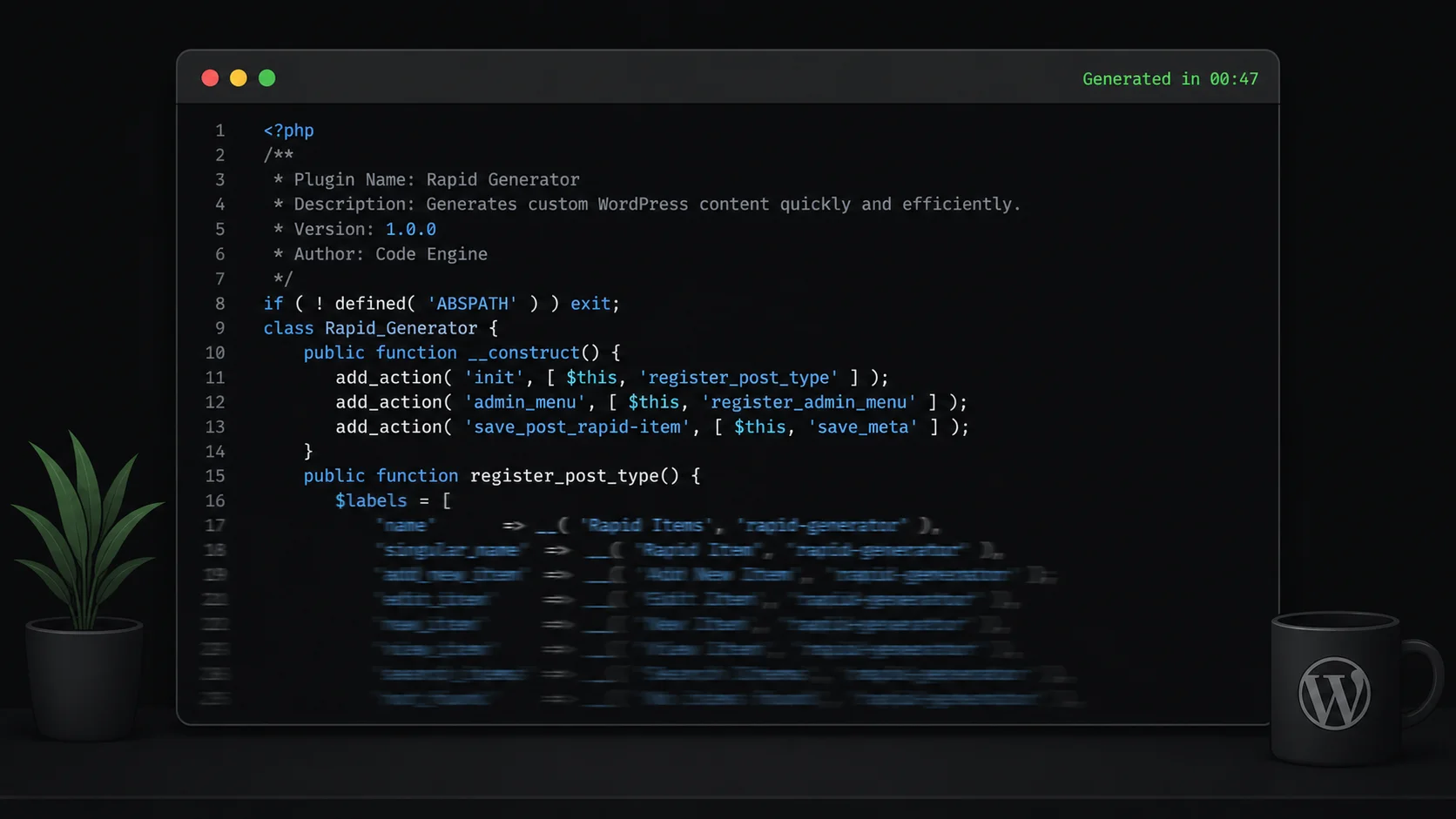
Matt Mullenweg backed that observation with the product. Automattic launched Telex at WordCamp US 2025, a WordPress-specific AI that generates Gutenberg blocks from text prompts and outputs installable plugin zips. Early testing showed mixed results: some blocks worked immediately, others needed manual fixes before running reliably in production.
That gap is not a failure of AI codegen. It shows what generation alone doesn’t cover. The code shipped fast. What surrounded it still needed human infrastructure.
What Surrounds the Code
When a form fails silently, nobody calls it a maintenance problem. The payment went through, the receipt never sent, the lead never landed in the CRM.
The bug exists because something changed outside the codebase: a gateway updated its API, a compliance rule shifted, a WordPress core change broke an assumption the original code made. Specialized plugins exist to absorb that movement. Call what they’re absorbing Surface Area.
When a plugin team builds a new integration, someone opens Cursor or Claude Code. The AI scaffolds the connection, generates the test cases, drafts the error handling. A solo developer runs the same tools and gets the same scaffold. What differs is everything between generation and production, and everything after.
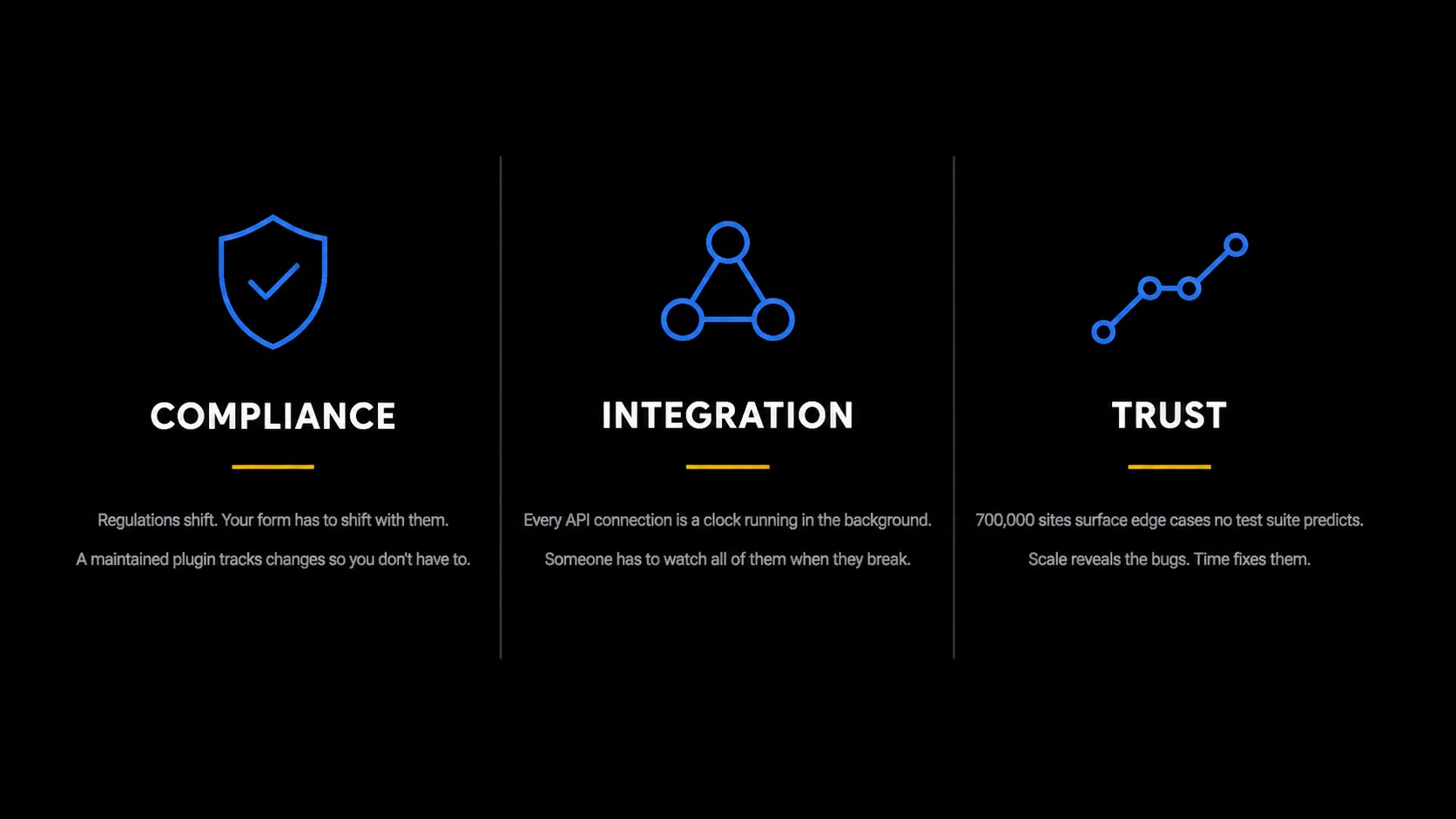
That infrastructure took years to build: the review process, the test suite, the security checklist, the compatibility matrix. It exists because a thousand users reported bugs, integrations broke at 2 a.m., and every edge case eventually appeared across enough sites to matter. Three surfaces carry it: Compliance, Integration, and Trust.
The compliance surface
Regulations change on their own schedule and they don’t notify your codebase. GDPR, CCPA, LGPD, the EU Accessibility Act, payment gateway SCA rules; every one requires real changes to forms that collect data. A specialized plugin has a team whose job includes tracking those changes and shipping updates when they arrive. The update ships. You click install.
The security dimension is the same problem. A 2025 audit of 1,645 web applications found that 10% had critical vulnerabilities exposing user data. The vulnerability wasn’t in how the code was generated. It was in what happened after: no security review, no nonce verification, no escaping audit.
A maintained plugin runs those processes on every release. The question is not who wrote the code. It’s who reviewed it before it touched a user’s payment data.
The integration surface
In September 2024, Stripe announced it would ship breaking API changes on a fixed twice-yearly cadence. The first release, codenamed Basil, landed March 31, 2025. It changed how Checkout Sessions work: checkout_session.subscription now returns null until the user completes payment. It removed the legacy Upcoming Invoice API. It dropped total_count from list expansions.
Any form reading the subscription ID after session creation would silently break. The customer gets charged. Your record of what they bought is empty.
A specialized plugin has someone monitoring that release calendar and testing against new API versions before they go live. For example, Fluent Forms shipped a version, completing a migration off a deprecated payment API and adding tamper-prevention on the new callback flow.
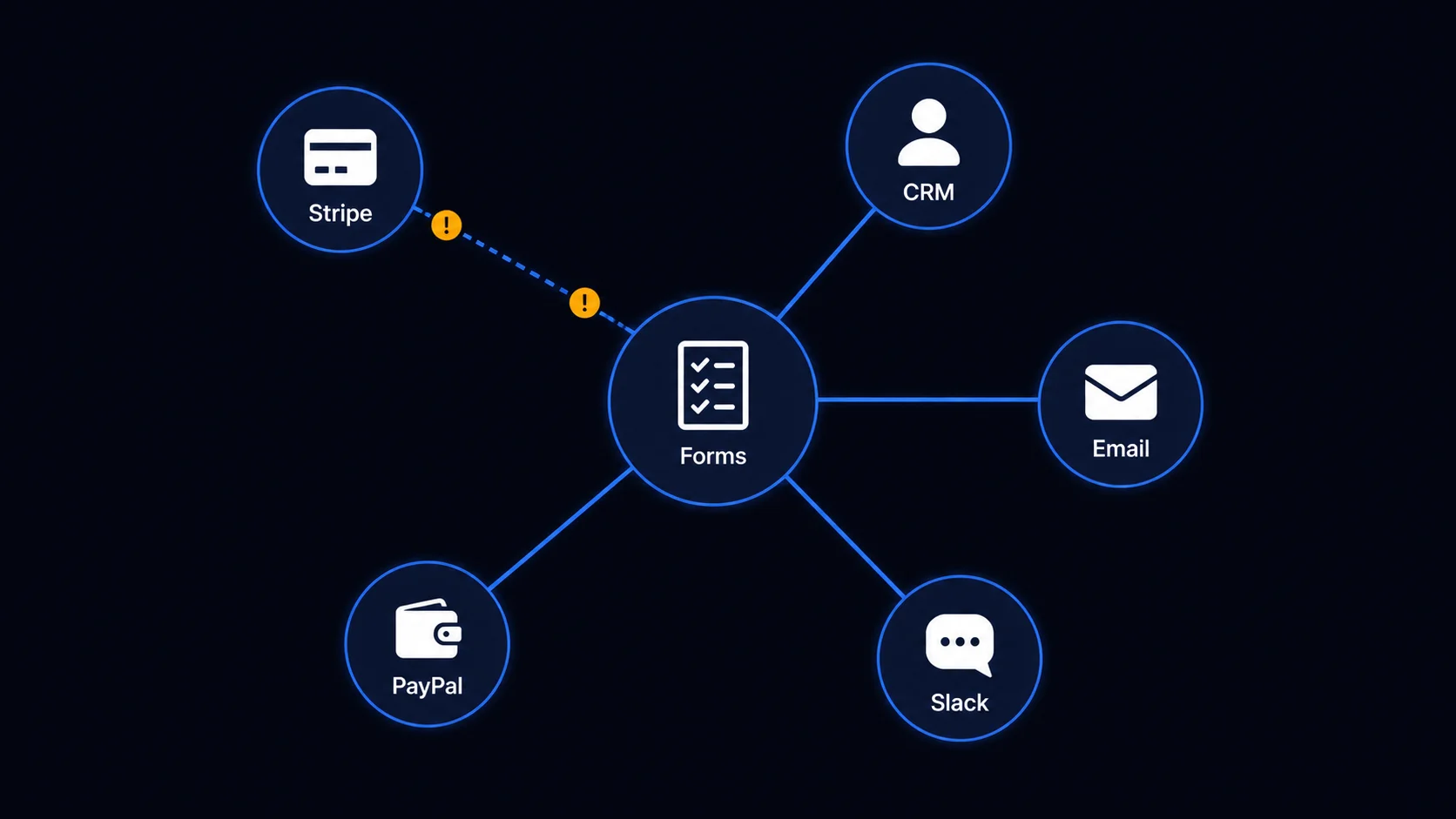
That’s the integration surface in practice. Not one API change, but a continuous calendar of them, across every service your plugins touch, forever. The question isn’t whether you can handle one. It’s whether you’ve built the infrastructure to handle all of them, indefinitely.
The trust surface
Fluent Forms runs on 700,000 sites. That’s not a headline number. It’s a description of accumulated experience.
Across 700,000 sites, every weird thing has happened. The hosting environment that handles file uploads strangely. The theme that injects CSS and breaks form rendering. The caching plugin that prevents AJAX submissions on Tuesdays for no obvious reason. The user who pastes 40,000 characters into a name field.
Every one of those became a bug report, a support thread, and eventually a patch. Every other customer on those 700,000 sites got the fix without knowing the problem existed.
Patchstack reported that 1,614 plugins and themes were removed from the WordPress.org repository in 2024 for unpatched security issues. Each one was, at some point, working software.
The code didn’t stop working. The maintenance infrastructure stopped running.
What Won’t Survive
Some plugins won’t survive and naming them is the only way to make the survival argument credible.
The categories that will fade aren’t the ones using AI codegen. They’re the ones with no Surface Area worth maintaining in the first place.
Single-API wrapper plugins
A plugin whose entire job is to call one external API and surface the response: weather widgets, exchange rate displays, simple OAuth connectors. There’s no compliance surface, no integration calendar, no accumulated edge-case knowledge. A custom build covers the same ground. The reason to choose a maintained plugin over a custom build disappears.
Plugins that patched WordPress core gaps that have since closed
Block patterns, full site editing, native lazy loading, native image optimization. Core absorbed all of it. The surface area these plugins were maintaining no longer exists.
The pattern: thin Surface Area. If a plugin’s value is “we wrote this code,” the argument collapses the moment anyone can write equivalent code easily. If the value is “we maintain this compliance surface, these integrations, this accumulated knowledge, across hundreds of thousands of sites, every week, indefinitely” that argument holds regardless of how the code was written.
What survives is the software that has something worth maintaining. Three surfaces define what that looks like.
Enjoying this article?
We regularly publish actionable content on our blog. Subscribe to get them delivered straight to your inbox.
We won’t spam you. You can unsubscribe whenever you want.
Who Owns It After It Ships
If you’re building something with no external dependencies, no regulatory exposure, and no expectation that it will keep working without your active attention, build it yourself. Use AI codegen. Ship it fast. The maintenance burden is yours and it’s manageable.
If you’re building something that touches payment data, feeds a CRM, and has to keep working across hosting environments and WordPress versions you don’t control, the maintenance surface is large. A specialized plugin means a team has already built the infrastructure to own it. You’re buying the infrastructure, not the code.
Neither choice is wrong. The fit depends on what you’re building and how much of that surface you’re prepared to own.
Fluent Forms handles the compliance, integration, and trust surface
Try This Before You Decide
Open Claude Code or Cursor. Pick something you run in production: a feature, a workflow, a tool your users depend on. Generate it. Get it working. Put it in a staging environment.
Then write down everything that needs to happen before you stop thinking about it:
- Security review
- WordPress core compatibility
- Third-party API changes
- Edge cases across hosting environments
- Compliance updates
Check the changelog of any major service your plugin touches. The next breaking change is already on the calendar. That list is the Surface Area. Decide who owns it.

This is Sumit. He’s a physics major who’s trying to understand both the physical as well as the WordPress worlds. Whenever he’s not busy, plays fifa or spends time with his family.


Leave a Reply